Skip to content
AI AUDIOBOOK NARRATION · STUDIO

AI Audiobook Generator

Organize chapters, cast narrator and character voices, then generate a whole chapter as one downloadable audio file.

0 / 20,000≈ 0 min (estimate)

When you generate, lines written as “Name: dialogue” are read in that character's voice and everything else by the chapter narrator; the name itself isn't spoken. Sign in to generate; it's priced by length and failed generations are refunded automatically. The narrator sample is prerecorded and doesn't read your text.

01

Add your chapters

Name the book, paste each chapter and reorder as needed.

02

Mark dialogue, cast voices

Tag speech as 'Character: line', then cast the voices.

03

Generate the chapter

Narrator and character lines joined into one file.

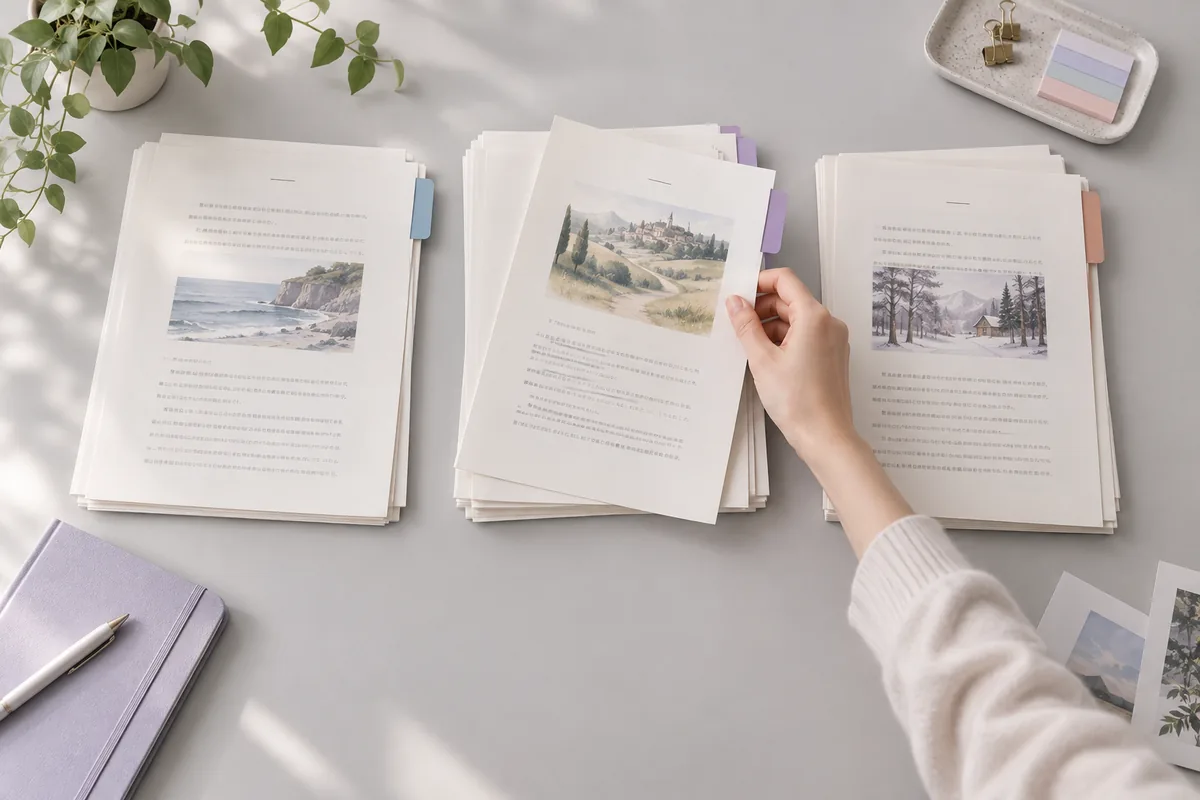
A hand sorting story manuscript pages into color-tabbed chapters
Clean text, clean narration
01 / MANUSCRIPT

Prep the manuscript first

Text copied from a PDF or ebook brings page numbers, running headers, footnote marks and split words. Clean them out, then give each chapter its own entry.

  • One entry per chapter keeps fixes small
  • Remove page numbers and running headers
  • Write symbols out the way they are said
02 / VOICE CAST

A cast of character voices

Mark dialogue as 'Character: line', pick a narrator for each chapter and give characters voices in the book-wide cast sheet. Each line then uses its character's voice.

  • A narrator setting per chapter
  • A book-wide character voice sheet
  • Play the narrator's fixed sample
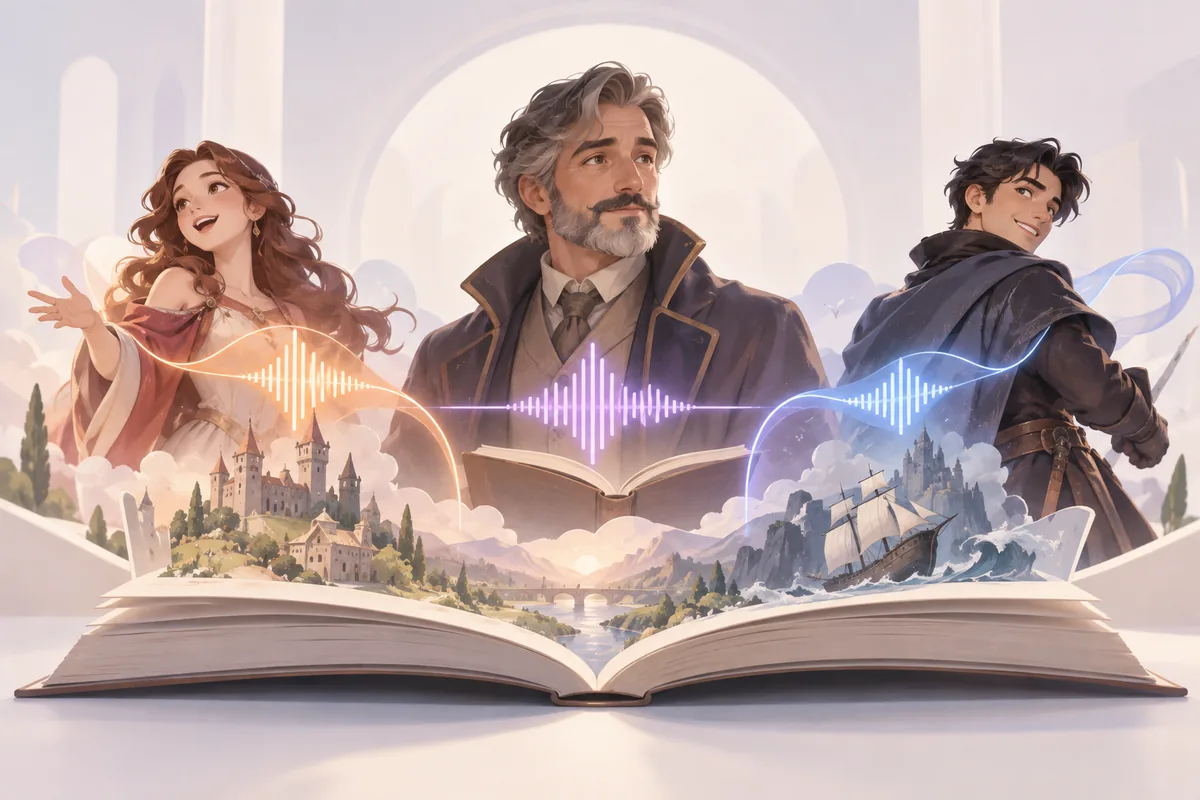
Three original characters and their distinct voice ribbons rising from an open storybook
Every character, a voice
Three storybooks linked by the same character emblem and voice ribbon
Chapter one to the last
03 / LONG-FORM

Consistent across chapters

Listeners notice when a voice or a name shifts between chapters. The book-wide cast sheet keeps character voices the same in every chapter; note tricky names as well.

  • One cast sheet for the whole book
  • Settle name pronunciation before chapter 1
  • Export the script and read it through
USE CASES

Who uses an AI audiobook maker

From self-published novels to classroom reading, here are six ways to create audiobooks from text.

Self-published authors

Turn your own novel or nonfiction book into an audiobook, then decide where to publish under each store's narration rules.

Textbooks and courses

Convert study guides, textbook chapters and course readers you hold the rights to into audio that students can play on the go.

Bedtime stories

Read your own children's stories aloud with a warm narrator, and give each animal or character a different voice for young listeners.

Family memoirs

Turn a memoir or family history you wrote into an audiobook relatives can listen to, read in a warm, unhurried older voice.

Serial web fiction

Release each new chapter of a serial story as audio alongside the text, so readers who commute can keep up by listening.

Proofreading by ear

Hear your manuscript read back before it goes to an editor. Clumsy sentences, repeated words and missing lines stand out when spoken.

COMPARE

AI or human narrator, or read it yourself?

AI narration suits volume and quick fixes, a human narrator suits performance, and self-narration suits personal books.

CompareAI audiobook narrationHiring a narratorNarrating it yourself
What you needA clean manuscript and a voice castAuditions, a contract and a scheduleA quiet room, a mic and editing time
Fixing a mistakeEdit the text, regenerate the lineBook a pickup sessionRe-record and match the old takes
Character voicesA separate voice per characterUsually one actor plays every roleOnly the range you can perform
PerformanceSteady and clear, little actingFull emotion and comic timingPersonal, depends on your delivery
Store rulesCheck each store's AI policyMeets human narration rulesAlso counts as human narration
Best forDrafts, back catalog, study audioFlagship titles and dramaMemoirs and personal nonfiction
PRODUCTION TIPS

6 tips to turn a book into an audiobook

Most audiobook problems start in the manuscript. Sort these out before you generate the first chapter.

  1. 01

    Work chapter by chapter

    Generate and check one chapter at a time. Small files are easier to fix, and ACX, for one, asks for one chapter per file.

  2. 02

    Give each speaker a line

    Start a new line whenever the speaker changes and write it as 'Character: line', using the same name as in the cast sheet.

  3. 03

    List names and odd words

    Collect character names, places and invented words. Check how each one is said, and respell any that the voice gets wrong.

  4. 04

    Lock your settings

    Set character voices once in the cast sheet, note the narrator, speed and mood you want, and keep them the same in every chapter.

  5. 05

    Open and close with credits

    Open with the title, author and narrator, and end with a clear closing line. Check your store's own credit rules as well.

  6. 06

    Listen to the whole book

    Play back every chapter before you publish. Misread names, skipped lines and odd pauses are easy to fix before release.

FAQ

AI audiobook generator FAQ

What to know before you turn a book into an audiobook.

What is an AI audiobook generator?+

An AI audiobook generator reads a book's text aloud with AI voices, so you can create an audiobook from text without a recording booth. You prepare the chapters, mark dialogue, choose a narrator and character voices, and the model narrates the book a section at a time.

How do I turn a book into an audiobook for free?+

Setting up the book is free: add chapters, mark dialogue, cast voices, play the narrator sample and export the manuscript. Generating audio uses credits after you sign in: 1 per 35 characters for standard voices and 1 per 15 for flagship voices, from a plan or credit pack.

Can I use different voices for different characters?+

Yes. Mark dialogue in the chapter text as 'Character: line', give each character a voice in the book-wide cast sheet and pick a narrator per chapter; it all saves with your draft. When you generate it, the narrator reads the prose and each line uses its character's voice.

Can I turn any book into an audiobook?+

No. Buying a copy of a book does not give you the right to make an audiobook of it. Use books you wrote, books whose audio rights you hold, or works in the public domain where you publish. For books you only want to hear, use your reader's built-in read-aloud feature.

Can I sell an AI-narrated audiobook on Audible?+

Check first. ACX, which publishes to Amazon, Audible and other stores, prohibits unauthorized text-to-speech or AI narration in its submission requirements. Google Play Books runs an auto-narration program for rights holders. Rules change, so check each platform's policy.

How do I get character names pronounced right?+

List every name, place and invented word before you start. Check how real names are said with the pronunciation tool, test each one in a short line, and respell any the voice misreads, such as Shiv-awn for Siobhan. Then use that spelling in every chapter.

Can I make an audiobook from a PDF?+

Yes, if you hold the audio rights. Copy the text out of the PDF a chapter at a time and paste it into the workspace. PDFs often carry page numbers, headers, footnote marks and words split across lines, so tidy each chapter before you narrate it.

Is AI narration as good as a human narrator?+

For clear, steady narration of nonfiction, study material and drafts, AI narration can work well and is much quicker to fix. A skilled human narrator still brings stronger acting, comic timing and emotional range, which matters most in fiction and drama.

FIND YOUR VOICE

Start with your first chapter

Prepare a chapter, cast your voices and generate it as one audio file.

Try text to speech