Skip to content
TEXT TO SPEECH · AI STUDIO

AI Text to Speech

Type or paste your text, pick a language, a voice and a speed, and hear each voice's preview sample in the studio.

Your script

Try a sentence
Quick voices
Up to 2,000 characters per generationView plans
Sign in to generate · Priced by length · Failed runs refunded
Settings
1.0×

Choose a voice

01

Type or paste your text

A single line, a script or a few short paragraphs.

02

Pick a voice and a speed

Filter by language, play the samples, then set the pace.

03

Turn text to audio

Generate, then play the audio back or download it.

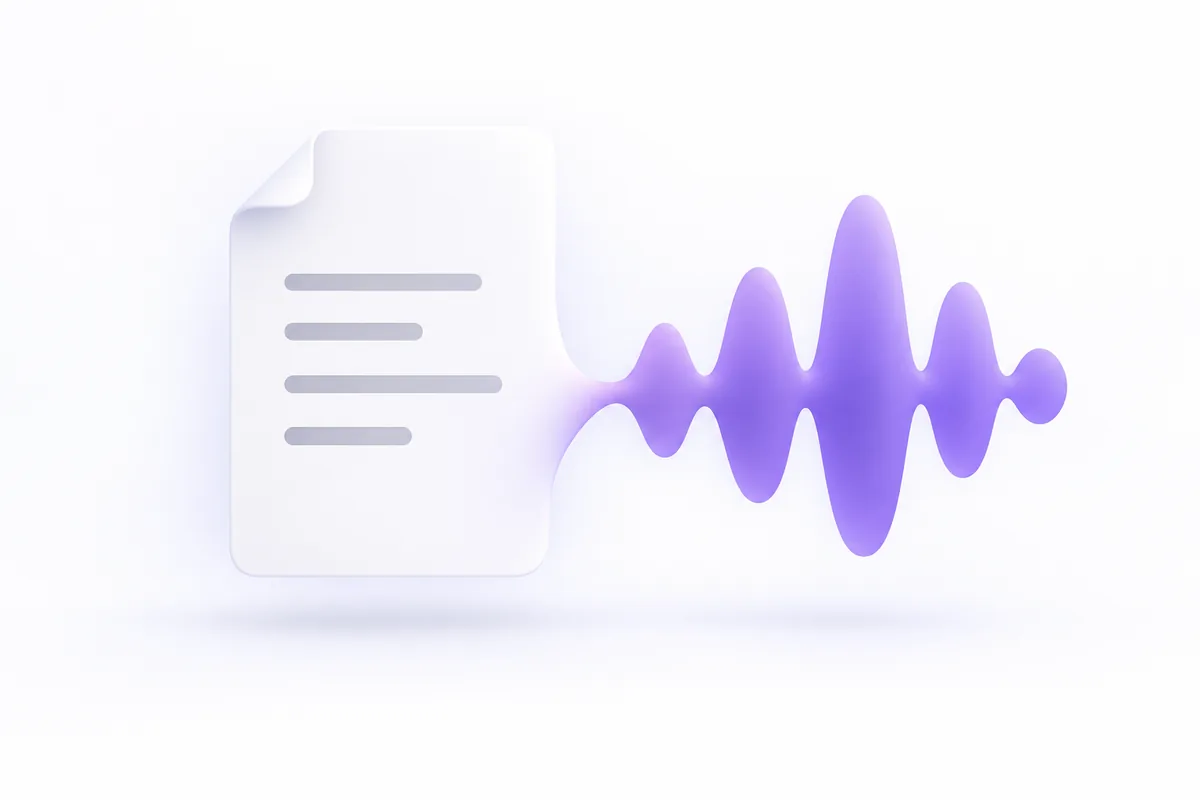
A script card transforming into a violet sound ribbon
Punctuation sets the pace
01 / WRITING FOR TTS

Write text that reads well

Text to speech follows your punctuation. A comma is a short breath, a period ends the thought, and a new paragraph gives a longer pause. Short, plain sentences read best.

  • Commas and periods set the pauses
  • Spell out dates, prices and units
  • Read it aloud once to find the snags
02 / VOICE LIBRARY

Text to speech voices

Browse narrators, bright young voices, older storytellers and playful characters. Filter by language, play each fixed sample and pick the voice that suits your listeners.

  • Filter the voice list by language
  • Play a sample before you decide
  • Match the voice to your audience
A presenter wearing a single-ear headset speaking for a course recording
Hear a sample first
Three scenes of voice use: short video, commuting lesson and story reading
Your words, in their language
03 / LANGUAGE & SPEED

Language first, then pace

Pick the output language, then a voice that speaks it. Text to speech reads what you wrote and does not translate, so paste the script in the language you want heard.

  • Write the script in the target language
  • Slow it down for lessons and learners
  • Speed it up a little for short ads
USE CASES

Ways to use a text to speech generator

Text to speech helps whenever words need a voice but recording is slow. Here are six common cases.

Video voiceovers

Narrate explainers, product walkthroughs and faceless channel videos. When the script changes, edit the line and generate it again.

Lessons and training

Turn lesson notes and onboarding material into narration, and slow the speed down for learners working in a second language.

Listening, not reading

Hear articles, notes and long emails read aloud, which helps people with low vision or dyslexia and anyone who would rather listen.

Short social clips

Add a clear voice to short vertical videos, and try two or three voices on the same hook to hear which one fits the tone.

Announcements and menus

Voice store announcements, on-hold messages and phone menu prompts, then update the text when opening hours or options change.

Game and story drafts

Give draft dialogue a temporary voice while you test pacing in a game, comic dub or interactive story, before final casting.

COMPARE

TTS, recording yourself or a voice actor?

Each route suits a different job. Text to speech wins on edits and volume; people win on acting and personal connection.

CompareAI text to speechRecording yourselfHiring a voice actor
What you needYour text and a chosen voiceA mic, a quiet room and timeCasting, a brief and a budget
Changing a lineEdit the text and generate againSet up and record the line againOften a booked pickup session
ConsistencyThe same voice on every takeShifts with mood, mic and roomSteady within one session
Other languagesPick a voice for each languageOnly languages you speak wellA new actor for each language
Acting rangeClear, steady readsAs good as your own deliveryFull emotional performance
Best forExplainers, updates and draftsChannels built on your own voiceAds, drama and character work
WRITING TIPS

6 tips for natural text to speech

Most odd-sounding text to speech comes from the script, not the voice. Fix these six things before you generate.

  1. 01

    Let punctuation set pauses

    Use a comma for a short breath and a period for a full stop. Break up long paragraphs so the voice has room to pause.

  2. 02

    Spell out tricky numbers

    Dates, prices, phone numbers and units can be read several ways. Write them the way they should sound, such as twenty twenty-six.

  3. 03

    Keep sentences short

    Long sentences with several clauses flatten the rhythm. Split them, and the voice places the stress more naturally.

  4. 04

    Write acronyms as spoken

    Some acronyms are said as a word and others letter by letter. If a voice reads one wrong, add spaces or periods between the letters.

  5. 05

    Test one paragraph first

    Generate a short passage, adjust the voice and speed, then do the rest. It is quicker than redoing a whole script.

  6. 06

    Match the speed to the job

    Slow down a little for lessons and instructions, and stay near normal for stories. Fast reads tire listeners on long audio.

FAQ

Text to speech FAQ

Answers to common questions about AI text to speech.

What is text to speech?+

Text to speech, or TTS, is technology that turns written text into spoken audio. Modern AI text to speech is a voice synthesizer built on neural models trained on human speech, so it places pauses and stress far more naturally than the robotic voices of older software.

How do I convert text to audio?+

Paste your text into the studio, pick a language and a voice, and set the speed and emotion. Sign in and generate; when it finishes you can play the audio back, download it and find it again in your history.

Is this AI text to speech free?+

Playing voice samples and drafting text are free. Generating audio needs an account and uses credits: 1 per 35 characters for standard voices and 1 per 15 for flagship voices, with spaces free. Credits come from the plans and packs on the pricing page; failed runs are refunded.

Is this a voice synthesizer?+

Yes. Text to speech is a voice synthesizer for spoken words: it builds new speech from your text rather than altering a recording the way a voice changer does. Pick a voice, paste your script and generate the audio in the studio.

How can I make text to speech sound more natural?+

Write the way people talk: short sentences, everyday words and clear punctuation. Spell out numbers and acronyms the way they should be said, choose a voice that suits the content, and test one paragraph before you generate the whole script.

What languages can text to speech read?+

Pick a language in the studio and the voice list filters to voices that speak it. Text to speech reads the text you give it and does not translate, so write or paste your script in the language you want listeners to hear.

Can I use text to speech voices commercially?+

Commercial use follows the terms of the plan you choose, so read them before you publish. Whatever the plan, never use a voice to impersonate a real person or mislead listeners.

Can I make a custom text to speech voice?+

Yes, in two ways, and both generate audio once you sign in. Voice design lets you describe a new voice in words, such as a warm, slow storyteller, or start from an example style. Voice cloning copies your own voice, or one you have written permission to use, from a short clip.

FIND YOUR VOICE

Turn your next script into speech

Draft your text, pick a voice and sign in to generate and download the audio.

Try text to speech