Skip to content
AI DRUM ISOLATION · DRUMLESS TRACKS

AI Drum Remover

Upload a song and AI will separate the drums from it: a drumless track to play along with, and the drums on their own.

AI separation is open

Preview your file first. When you press start, it is uploaded privately and an AI model separates it on our servers, which can take a few minutes. The price depends on the length of the audio and is shown on the button before you start; if separation fails, the credits are refunded automatically. Play and download each track here, or find them later in your generation history.

Up to 50 MB / 10 minutes per file · 20 credits per minute (rounded up, 2-minute minimum)

or drop it here

MP3, WAV, M4A, FLAC and other common audio formats

Tracks you get

  • Drumless track (no drums)Ready after separation
  • DrumsReady after separation

You also get vocals, bass and other instruments as separate stems. The drumless track is mixed from them in your browser, so your generation history keeps the stems.

Your file is uploaded only when you press start. Only your account can open it, and it is shared only with the AI model provider that separates it.

01

Choose your song

Pick a track you have the rights to and preview it here.

02

Let AI remove the drums

Sign in and start: the drums are split from the band.

03

Download both tracks

Save the drumless track, the drums and the other stems.

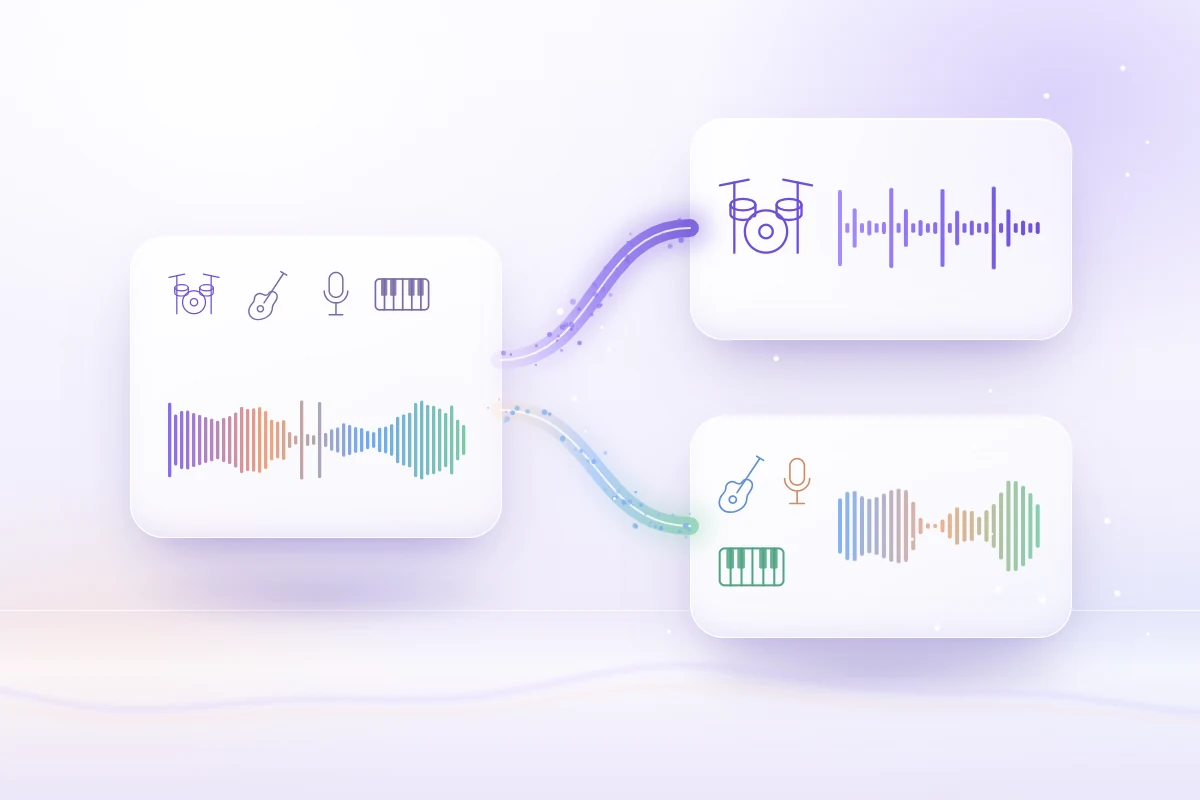
AI drum remover diagram: a full song waveform splitting into an isolated drum track and a drumless track for guitar, vocals and keys
Drums out, band intact
01 / WHAT IT DOES

What is a drum remover?

A drum remover takes a finished song and lifts the drum kit out of the mix. AI drum isolation estimates the kick, snare, toms and cymbals as one drum stem.

  • Kick, snare, toms and cymbals as one stem
  • The rest of the band stays in time and key
  • No EQ tricks that thin out the whole song
02 / DRUMLESS TRACKS

Make a drumless version

Remove drums from a song and you get the band without its drummer: a drumless backing track to play along with on your own kit, at the original tempo and key.

  • Play the part yourself over the real band
  • Mixed in your browser and saved as a WAV
  • Slow it down later in the pitch changer
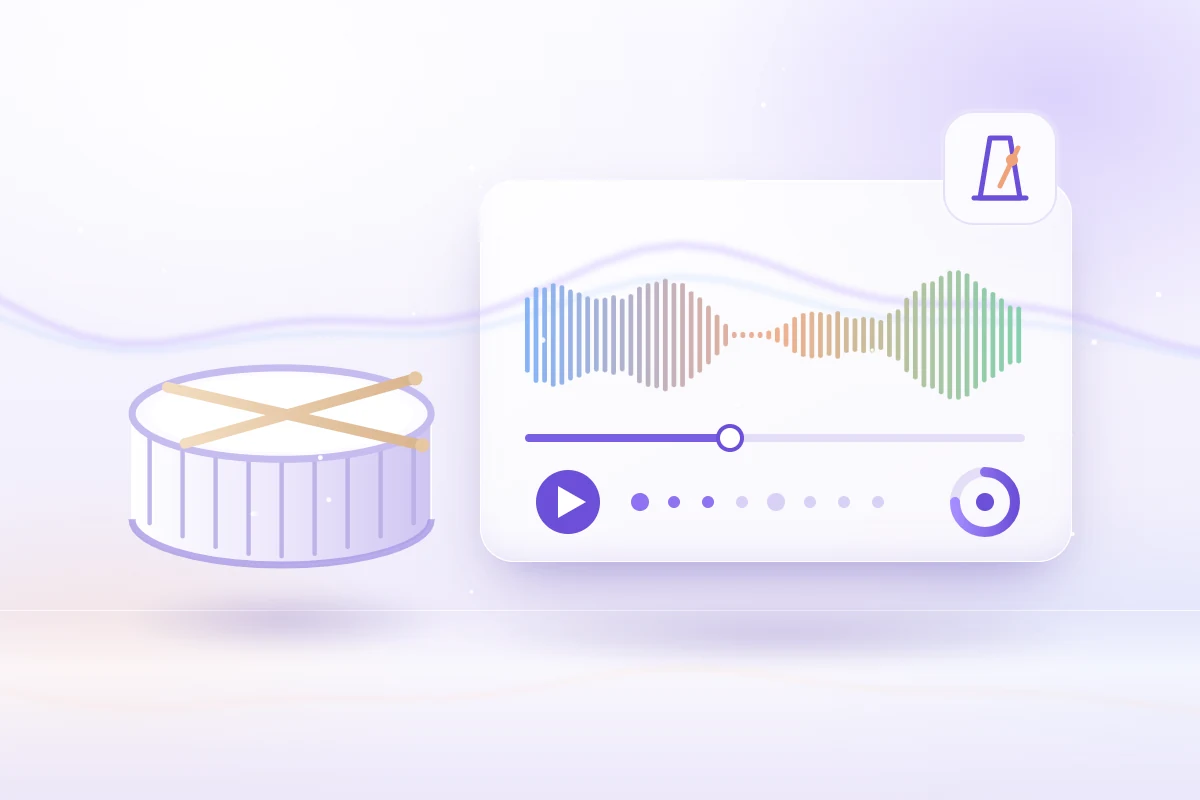
A snare drum with crossed drumsticks beside a player showing a drumless track, a click track and a tempo dial for practice
Your kit, their band
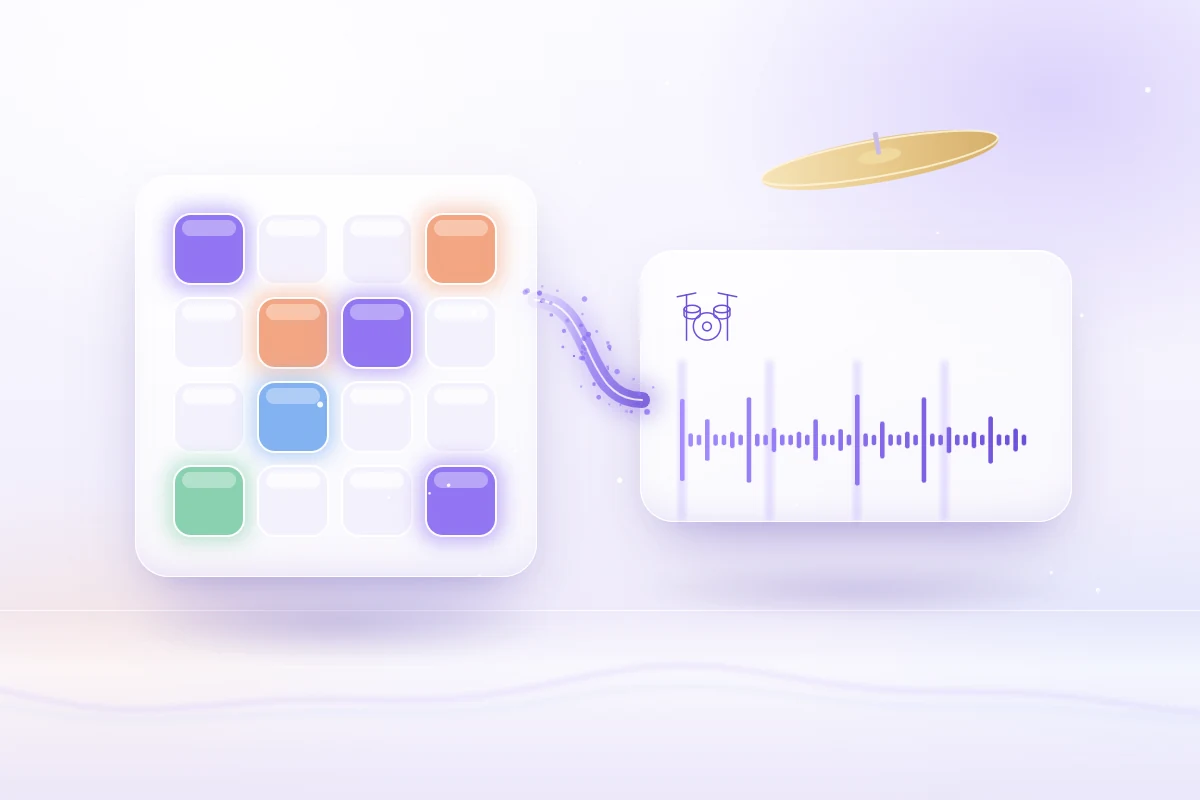
A glowing drum pad grid feeding an isolated drum stem waveform, with a cymbal floating above
Drums on their own
03 / DRUM ISOLATION

Isolate drums from a song

Need the beat instead? The same split gives you the drums on their own, so you can study a groove, transcribe a fill or start a remix from the original drum stem.

  • Hear ghost notes and hi-hat patterns clearly
  • Transcribe fills and grooves by ear
  • Vocals, bass and other stems come along
USE CASES

Why people remove drums from a song

A song without drums, or drums without the song, opens up practice, study and new music.

Drum practice

Play along to the drumless track on your own kit while the guitars, bass and vocals stay in place: the closest thing to rehearsing with the band.

Learning a groove

Solo the isolated drums to hear exactly where the kick lands, how the ghost notes sit and what the hi-hat does in each part of the song.

Drum covers

Record yourself drumming over the drumless version for a cover video. The song's copyright still applies, so check the platform's rules first.

Remixes and new beats

Drop the original beat and program your own, or move a song into another genre by building a new drum part around the drumless stems.

Sampling a break

Lift a drum break out of a dense mix as its own stem instead of sampling the full song. Clear the sample with the rights holders before release.

Calmer background music

Remove drums from a track you are licensed to use and it sits more quietly under a voiceover or slideshow, while the melody still sets the mood.

COMPARE

Drum remover, stem splitter or EQ?

All three change how loud the drums are. Only AI separation takes them out of the mix and leaves the rest playable.

CompareAI drum removerStem splitterEQ or filters
What you getA drumless track plus the drumsFour stems to mix yourselfThe whole song, drums a bit quieter
Drumless versionReady to play and downloadMix three stems in the audio mixerNot possible, the drums stay audible
Isolated drumsYes, as their own fileYes, as the drum stemNo, every part stays together
Other instrumentsKept, with some faint bleedKept, with some faint bleedBass, vocals and guitar get cut too
Cost20 credits per minute, 2-minute minimum20 credits per minute, 2-minute minimumFree in most audio editors
Best forDrum practice and drum coversRemixes, DJ edits and samplingTaming leftover cymbal wash
TIPS

6 tips for a cleaner drumless track

Drum separation works best on a clean source. These habits leave less cymbal wash and fewer artifacts in both files.

  1. 01

    Upload the best copy

    Use a WAV, FLAC or high bitrate MP3. Low bitrate files blur cymbals into guitars and vocals, and no separation can undo that.

  2. 02

    Expect some cymbal wash

    Kick, snare and toms come out cleanly. Hi-hats and crash cymbals overlap with other sounds, so a faint wash can stay in the drumless track.

  3. 03

    Prefer studio recordings

    On stage the drums leak into every microphone, so studio mixes split more cleanly than concert recordings or phone videos of a show.

  4. 04

    Check the busiest parts

    Listen to the loudest chorus and the big fills on headphones. That is where leftover drums and small artifacts show up first.

  5. 05

    Find the tempo first

    Run the original song through the BPM finder before you practice, so you know the starting tempo and can set a click to match it.

  6. 06

    Slow down, keep the key

    Load the drumless track into the pitch changer to practice at 75 percent speed without changing the key, then work back up to full tempo.

FAQ

AI drum remover FAQ

What to know about drumless tracks, drum isolation, sound quality and your files.

What is a drum remover?+

A drum remover, also called a drum extractor or drum isolator, uses AI to separate the drums from the rest of a finished song. You get two results from one run: a drumless track with everything except the drums, and the isolated drums on their own.

How do I remove drums from a song?+

Choose the song on this page, sign in and start the separation. The AI splits it into vocals, drums, bass and other stems, and your browser mixes everything except the drums into one drumless track. Play it here and download it as a WAV file.

Is this AI drum remover free to use?+

Choosing and previewing a song is free. Removing the drums uses AI separation online, which needs an account and 20 credits per started minute of audio (2-minute minimum) from a plan or credit pack. There are no free signup credits, and failed runs are refunded automatically.

Can I isolate drums from a song instead of removing them?+

Yes. Every run gives you both: the drumless track and the drums on their own. Use the isolated drums to study a groove, transcribe a fill or build a remix around the original beat. Vocals, bass and other instruments come back as separate stems too.

How well does AI drum isolation work?+

Kick, snare and toms usually separate well, because they are loud, short and distinctive. Cymbals and hi-hats overlap with guitars and vocals, so a faint wash can stay in the drumless track. Clean studio mixes and lossless files give the best results.

Does removing drums change the tempo or key of a song?+

No. The drumless track keeps the original tempo and key, so it lines up with the song bar for bar. To practice slower, open it in the pitch changer, which changes speed without changing pitch, and use the BPM finder to learn the starting tempo.

Can I post a drum cover made over a drumless track?+

Removing the drums does not remove the copyright in the song or the recording, so publishing a cover that uses the original audio usually needs permission, and platforms may claim or mute it. Practicing at home with music you own is the low-risk case. This is not legal advice.

What happens to my file when I remove drums?+

Drum separation does not run in your browser. When you press start, your file is uploaded to our server and an AI model provider, used only to process your request, and only your account can open the results. The drumless mix itself is made in your browser.

FIND YOUR VOICE

Remove the drums from your song

Choose a track, sign in and get a drumless version plus the isolated drums in a few minutes.

Try it with a file