What is a voice isolator?+
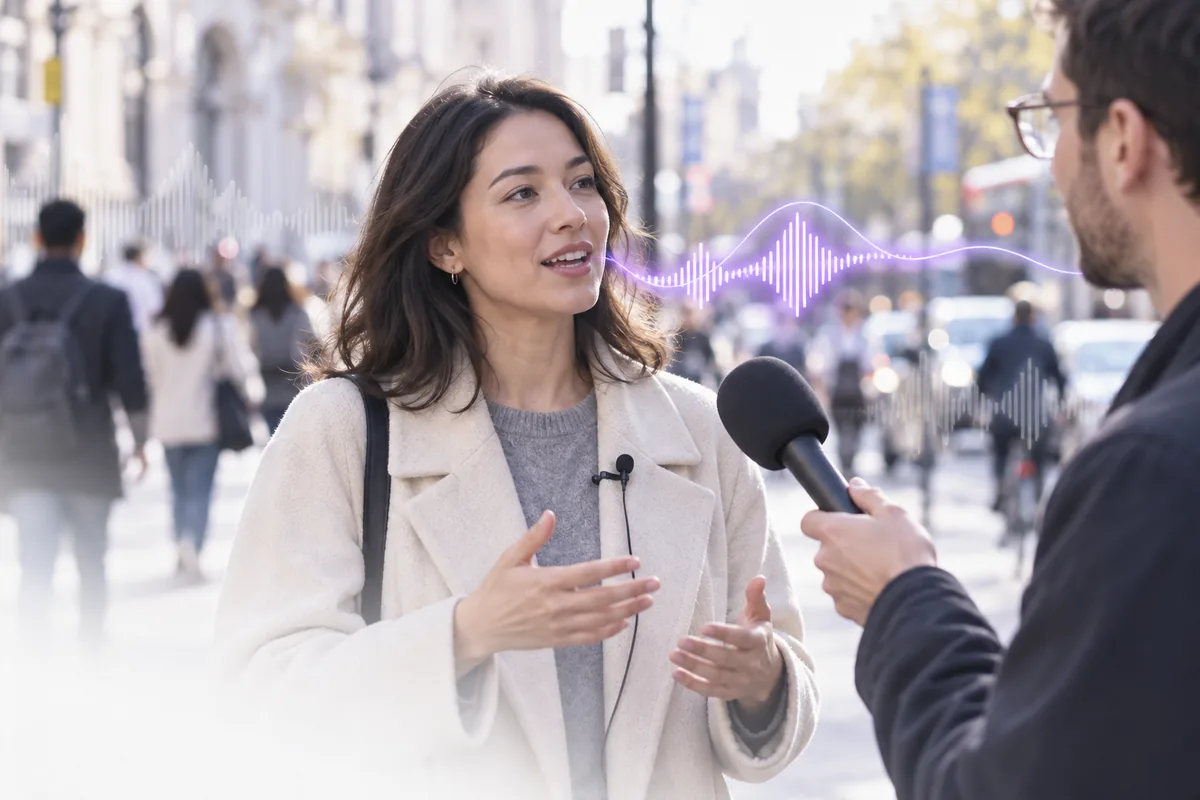
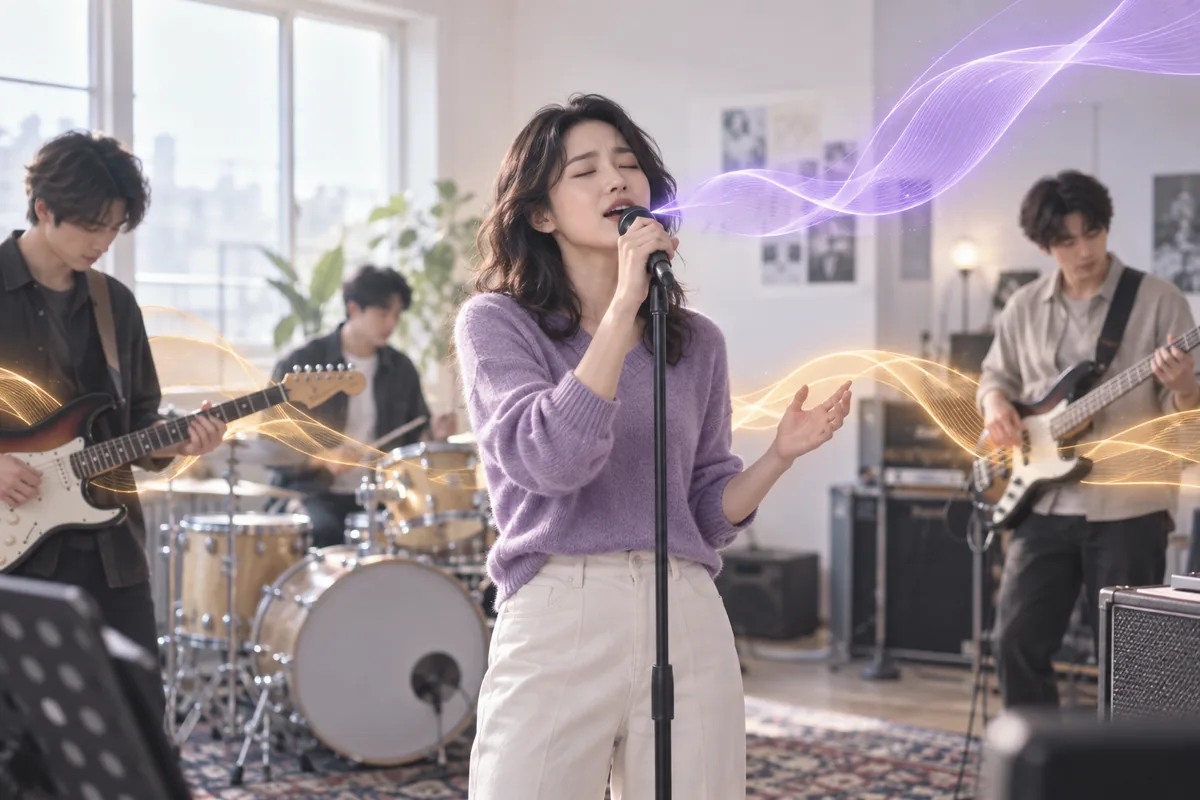
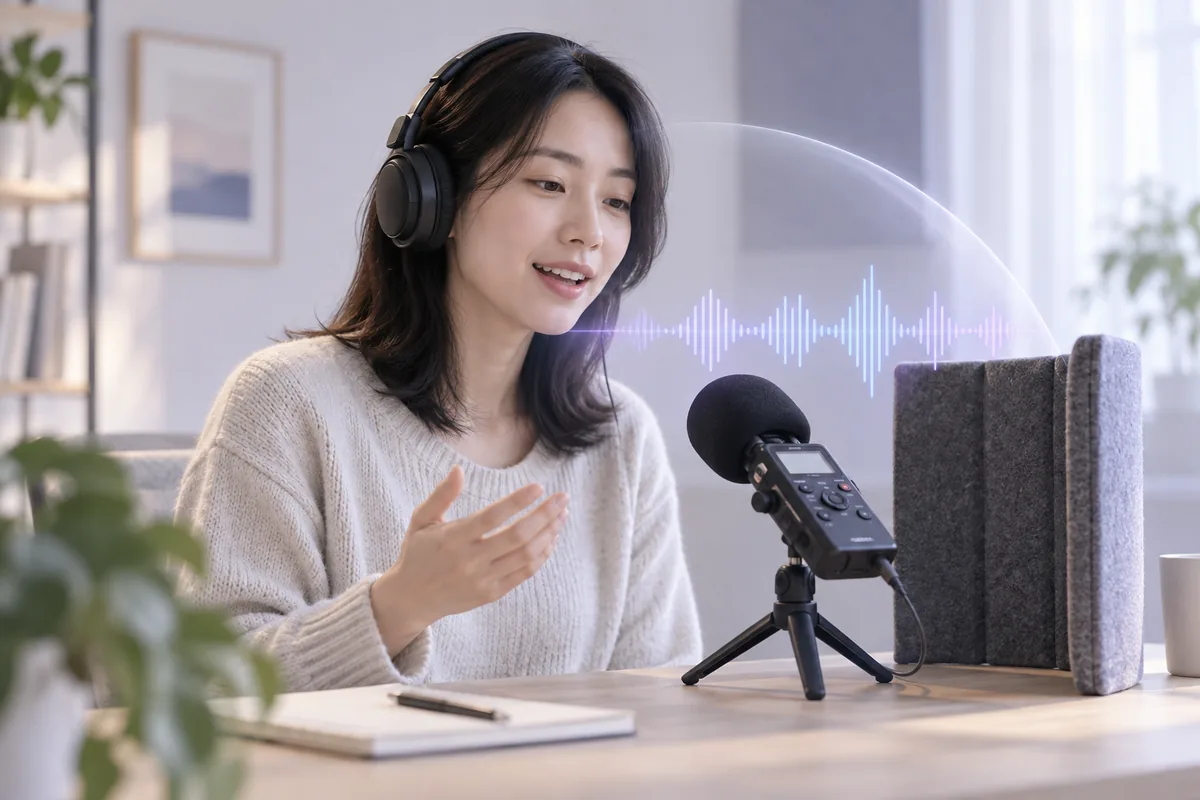
A voice isolator is an AI tool that separates the human voice from everything else in a recording: music, traffic, crowd noise or room hum. You get the voice on one track and the remaining background on a second, both as downloadable audio files.
Is this voice isolator free, and can I use it now?+
Yes. Choosing a file and previewing it in your browser is free. AI voice isolation needs an account and uses credits: 20 per started minute of audio with a 2-minute minimum, from a plan or credit pack. Failed runs are refunded automatically.
How do I isolate voice from audio?+
An AI voice isolator splits the recording into a voice track and a background track. Choose the recording above and preview it, then sign in and start AI separation; the file is uploaded for processing. You can blend the two again in the audio mixer.
Voice isolator or vocal remover: which do I need?+
Pick by the file you want to keep. The voice isolator is for keeping the voice, from interviews and video dialogue to acapellas for remixes. The vocal remover is for keeping the music, such as karaoke and cover backing tracks. Both give you two files.
Can I isolate voice from a video?+
Yes, by working with its audio. Export the soundtrack from your video editor or phone first, upload it to isolate the voice, then place the clean voice track back on your timeline, lined up with the picture.
Is AI voice isolation the same as noise reduction?+
Not quite. A noise reduction filter learns a steady noise, such as hiss or fan hum, and subtracts it, so music or chatter under the voice mostly stays. AI voice isolation models what a voice sounds like and separates it from everything else, music included.
Can I clean a recording before voice cloning?+
Yes, it helps when your only recording has music or noise. Isolate your voice first, then use the clean voice track as the reference for voice cloning. A fresh take in a quiet room is still the best reference, and you may only clone your own voice or one you have permission for.
What happens to the files I upload?+
When you start AI separation, your file is uploaded to our server and an AI model provider and used only to process your request. For how files are stored and handled, see the privacy policy. Only upload recordings you have the rights to use.