How do I mix audio online for free?+
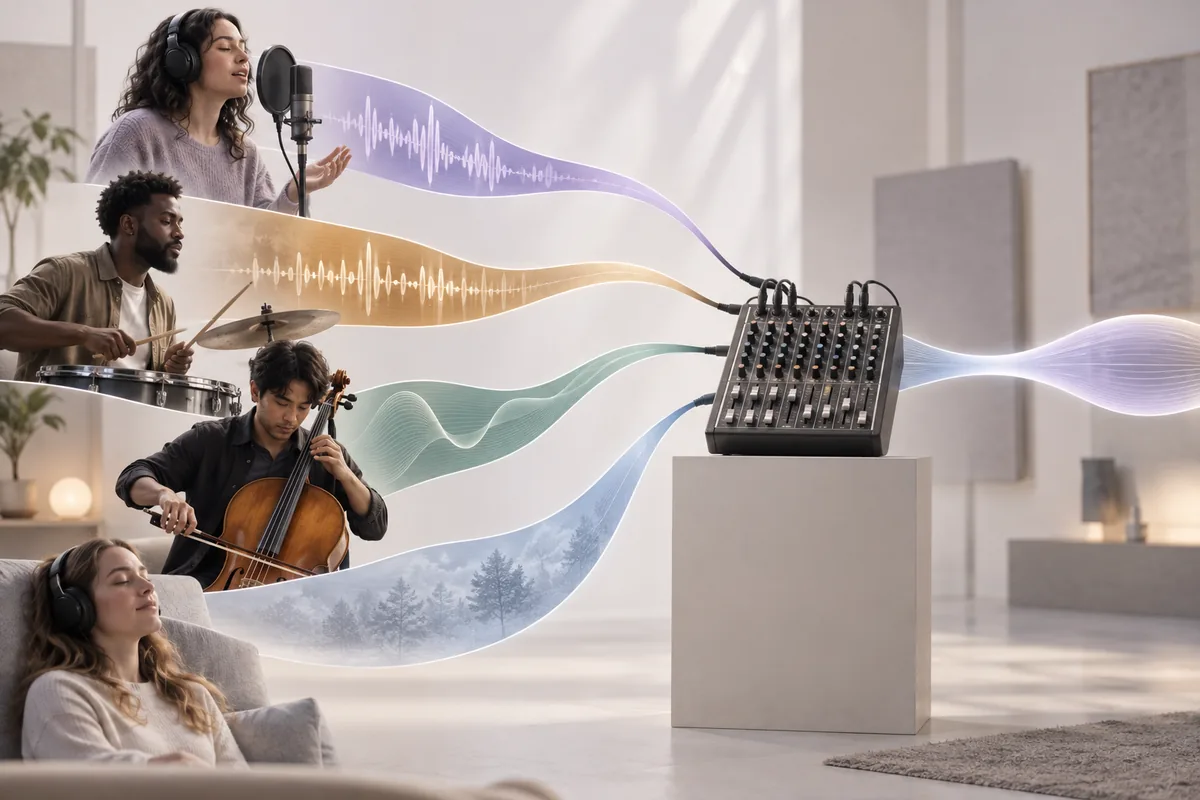
Add up to 4 audio files to the mixer above. For each track, set the volume, a start offset in seconds and any fade in or fade out. Press Preview mix to listen, adjust until it sounds right, then export it as a single WAV file. It is free and needs no account.
How do I put a voice over background music?+
Add the voice recording and the music as two tracks. Keep the voice at 100%, lower the music until every word is clear, and give the music a fade out so it ends gently. If the voice should start after a short intro, give it a start offset of a few seconds.
How do I mix two songs together?+
First make sure they match: check the BPM and key of both, and shift one with the pitch changer if needed. Then add both songs, start the second one a few seconds before the first ends, and use a fade out on the first and a fade in on the second.
Does this mixer do AI mixing, EQ or effects?+
No. It is a simple mixer for combining tracks, not an AI mixing or mastering service. There is no automatic balancing, EQ, compression, reverb or beat matching. You set the volume, timing and fades of each track yourself, which is often all a voice and music mix needs.
Why does my mix sound distorted or clipped?+
Clipping happens when the combined level of all tracks goes past the maximum a file can hold, and the mixer shows a warning when that is likely. Lower each track a little, especially any set above 100%, and preview the loudest section again until the crackle disappears.
How many tracks can I mix, and for how long?+
You can add up to 4 tracks, and the total mix can run up to 10 minutes. Need more layers? Export a mix of 4 tracks, then load that WAV as one track of a new mix. For longer projects, a desktop audio editor is the better fit.
Which formats can I add, and can I export MP3?+
You can add any format your browser can decode, usually MP3, WAV, M4A or AAC, OGG and in most browsers FLAC. The finished mix downloads as an uncompressed WAV file, which video editors and DAWs open directly. Convert it to MP3 afterwards if you need a smaller file.
Is the audio mixer free, and are my files uploaded?+
It is free and needs no sign-up. Everything runs in your browser using the Web Audio API, so your files are decoded, mixed and exported on your own device and are never uploaded to a server or stored by us.