Skip to content
English TTS · Miku-style AI voice

Hatsune Miku AI Voice

A bright, slightly digital Miku-style voice for fan edits and streams. Write a line, then play it as Hatsune Miku TTS.

English samples
180 / 2000
Hatsune Miku AI Voice
Hatsune Miku AI Voice Miku-style · spoken, not sung
Explore more voices
Writing for voice

Use short sentences and punctuation for pauses. Spell out numbers and abbreviations as they should sound. Click Generate to hear your script in this voice, or save it for later; the players below are prerecorded samples for comparison.

Listen plays a prerecorded sample. Generate reads your own text in this voice: sign in required, priced by length, and failed generations are refunded automatically.

Discover more sides of Hatsune Miku AI Voice
01

Write a line for Miku

A stream opener, a fan edit caption or a quick cheer.

02

Generate Miku TTS

Sign in first. Every 20 characters costs 1 credit.

03

Save it for your edit

Grab the audio file and sync it with your video.

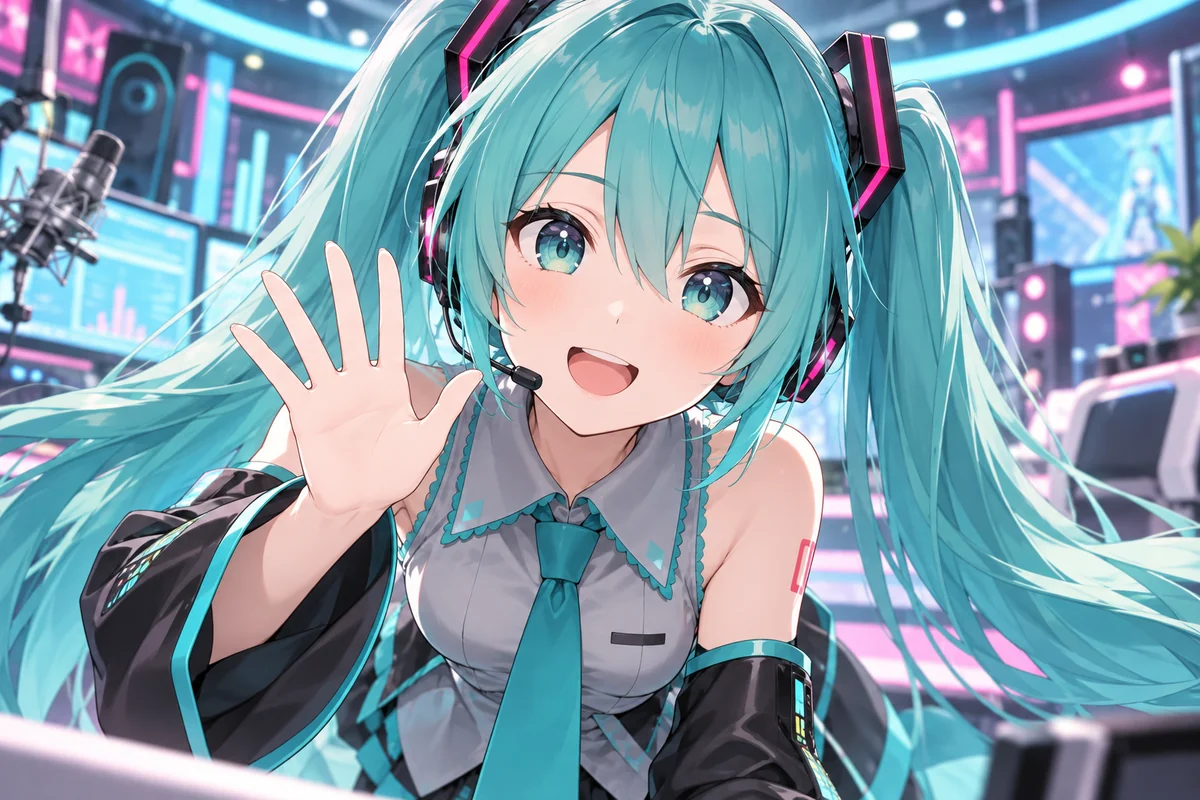
Hatsune Miku smiles and waves in a colorful virtual studio
HATSUNE MIKU AI VOICEMiku-style · spoken, not sungEN
01 / THE CHARACTER

Meet the Miku-style voice

An AI Miku voice cloned from a short reference clip: high, light and a touch synthetic, like Vocaloid text to speech, with crisp consonants and a sunny lift.

High and airyCrisp digital edgeSunny stage energy
Listen to Hatsune Miku AI Voice0:00 / Listen
02 / IN DIFFERENT CONTEXTS

Miku text to speech ideas

Three original lines for Hatsune Miku text to speech: a stream opener, a rhythm game cheer and a fan edit outro. Load one, then generate it.

Hi hi, everyone, welcome back! Tonight we take on the hardest song in the game, expert mode, no breaks. If I miss a note, you cheer twice as loud. Ready? Three, two, one, let's go!
Stream opener0:00 / Sample coming soon
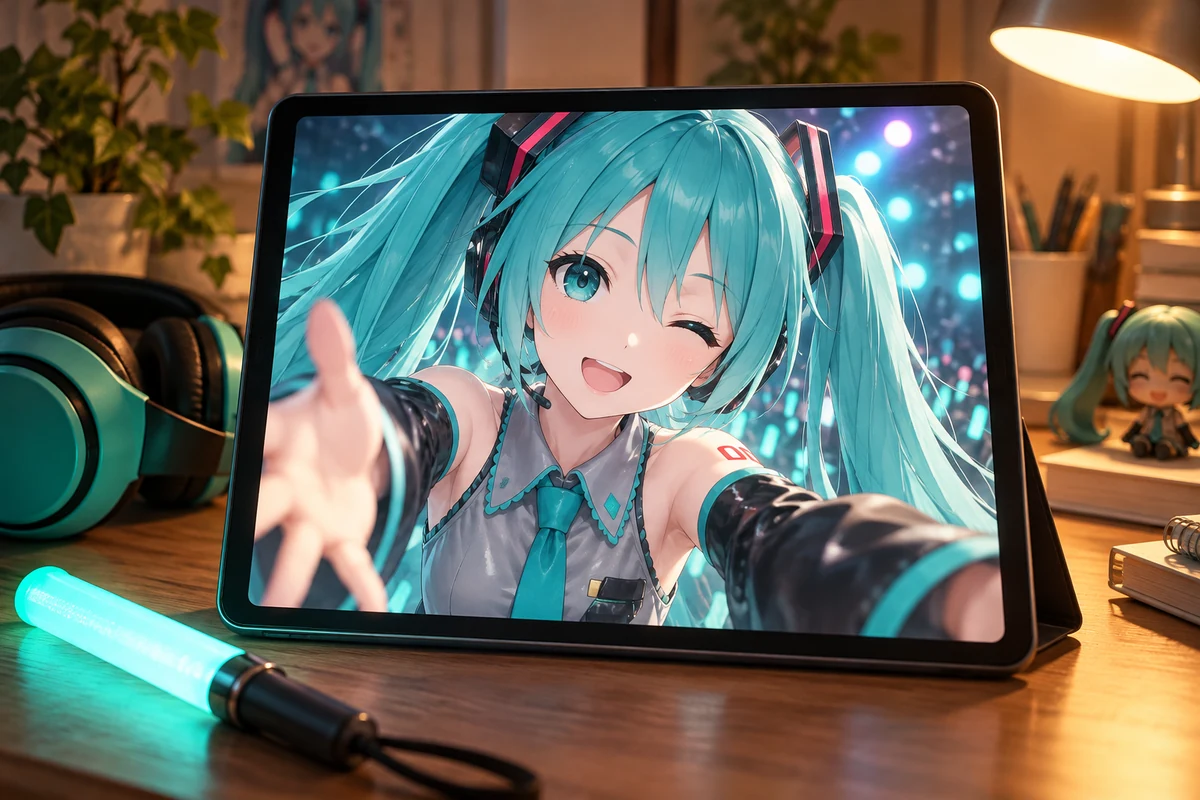
A tablet plays a short video of Hatsune Miku beside teal headphones and a glow stick
Spoken lines for edits and streams
BACKSTAGE NOTES / SHOW 01
Hatsune Miku AI Voice

The night the lights went out

Miku-style voice · English story

Long-form reading0:00 / Sample coming soon
03 / Long-form reading

Backstage story for Miku

A fan-made backstage story about a blackout, a quiet crowd and ten thousand glow sticks. Open it, copy it into the editor and hear it spoken.

  • Written for this page, about 190 words
  • Under 2,000 characters, so one take
  • Recorded sample on the way
Read the English transcript

Hello, hello! This is backstage diary number one, and tonight something happened that I will never forget. Five minutes before the show, the whole hall went dark. No stage lights, no screens, no music. Just a lot of very surprised people. Somebody in the crew whispered that a fuse had popped, and that fixing it would take a while. I stood behind the curtain and thought, okay, what now? Then I peeked out. One glow stick came on in the front row. Then three. Then a whole row of teal, then the balcony, then every seat in the place, until the room was a calm green ocean of tiny lights. Nobody told them to do it. They just did. So I stepped out and waved, and ten thousand lights waved back. When the power returned twenty minutes later, the crew asked if I wanted to start from the top. I said yes, of course, but the best part of the night had already happened. Thank you, everyone who was there. Next time, I'm bringing snacks for the crew. Good night!

VOICE PROFILE

What Miku TTS sounds like

Light, high and a touch digital: here is what this Hatsune Miku voice generator does well, and where it falls short.

Voice type
AI clone of a Miku-style voice
Pitch
High and light, lifting on cheers
Timbre
Clear and airy, with a digital sheen
Pace
Brisk and tidy, crisp consonants
Delivery
Spoken only, no singing or melody
Language
Written for English scripts

Best for

  • Stream intros, alerts and be right back screens
  • Fan edits, AMVs and concert recap videos
  • Rhythm game clips and score reactions
  • Birthday posts and fan event announcements
  • Voice lines for a desktop pet or assistant mod

Not ideal for

  • Singing, AI covers or vocal melodies
  • Passing clips off as official releases
  • Long, serious narration or lectures
USE CASES

Where a Hatsune Miku AI voice fits

Short, cheerful spoken lines are this voice's home turf. Six ways fans use it.

Stream alerts and intros

Voice a stream opener, a new follower thank-you or a be right back screen. Keep each line short so the Miku TTS voice stays bright.

Rhythm game clips

Add a spoken full combo cheer, a fail reaction or a score countdown to clips from your favorite rhythm game.

Fan edits and AMVs

Open or close a fan edit with a spoken intro, a thank-you or a title card line, then layer your own music underneath.

Miku birthday posts

Make a spoken greeting for Miku's August 31 birthday, a friend's party or a post celebrating a fan art milestone.

Assistant mod lines

Building a desktop pet or a Miku AI assistant mod? Generate alarm, reminder and greeting lines one by one, then wire them in yourself.

Fan event announcements

Announce a cosplay meetup, a fan art contest or a watch party in a sunny voice. Spell out dates and times so they read clearly.

FAQ

Hatsune Miku AI voice FAQ

Straight answers about what this Miku voice can and cannot do.

Is the Miku voice generator free?+

You can play the preview, load scenes and draft scripts without paying. Generating Miku text to speech needs an account and credits: 1 credit per 20 characters, spaces free, up to 2,000 characters per take. No free signup credits; failed takes are refunded.

Is this a Miku voice changer or voice filter?+

No. A Miku voice changer, filter or voice mod reshapes audio of you talking. This page is text to speech: you type the words and the Miku-style voice reads them. It cannot convert your mic, a call or a live stream.

Can the Miku AI sing songs or make AI covers?+

No. This voice speaks; it does not sing, hold notes or follow a melody, so it cannot make a Miku AI cover. Lyrics typed into the box come out as spoken words. For sung vocals you need dedicated singing synthesis software.

Is this official Hatsune Miku or Vocaloid software?+

No. It is a Miku-style AI voice cloned from a short reference clip and used in your browser. It is not a Vocaloid voicebank, there is no software to download, and the character's creators and rights holders have no link to this site and have not endorsed it.

Can I chat with Miku AI like an assistant?+

Not live. This page turns text you write into audio; there is no AI Miku chatbot that answers back. You can still script a conversation or a set of assistant replies, generate each one and stitch them together in an editor.

How can I make Miku TTS sound cuter?+

Your script does the work, because there are no emotion or speed controls. Short sentences, friendly greetings like "hi hi", exclamation marks and a question at the end keep the delivery bright. Spell out numbers and skip long, heavy paragraphs.

Which other anime and game voices pair with Miku?+

For a two-voice skit, pair Miku with the Anime Girl voice for a softer heroine, Sonic for a fast game hero, or the BFDI Announcer for a contest host. Each voice page has its own free preview, so compare them before you spend credits.

FIND YOUR VOICE

Give your next fan edit a Miku voice

Load a scene or type your own line, and hear it in a bright Miku-style voice.

Back to the editor