There's no single best way to listen to audiobooks, but there is a best way for you, and it comes down to two questions: how do you want to pay (a subscription, one book at a time, or free through a library), and where do you want to listen (phone, car, smart speaker or e-reader)? This guide explains how audiobooks work, compares the main ways to get them, walks you through playing your first one, and shares the listening habits that make long books easier to finish. Prices and plan details come from each service's official site, checked on October 2, 2026.
How do audiobooks work?
An audiobook is a recording of a book read aloud, usually by a professional narrator, sometimes by the author or a full cast. A growing number are narrated by a synthetic voice; Spotify, for example, adds "This audiobook is narrated by a digital voice" to the description of those titles.
Behind the app, four things decide how listening works:
- The files. A book is stored as audio files, often one per chapter. MP3 is common, and M4B is a format built for audiobooks that keeps chapters and your place inside a single file. Most apps hide the files from you.
- Streaming or download. You can stream over a connection or download the book first. Downloading is the safer choice for flights, commutes and road trips.
- DRM. Many stores protect their audiobooks with digital rights management, which ties a book to that store's app and the devices it supports. Libro.fm is an exception: it lets you download DRM-free files.
- The access model. This is the part that matters most, because it decides what you're paying for and whether the book stays with you.
| Access model | How it works | Do you keep the book? | Examples |
|---|---|---|---|
| Purchase | Pay once per title | Yes, in that store's library | Apple Books, Google Play Books, Libro.fm |
| Credits | A monthly fee buys a credit worth one title | Yes, for credit purchases | Audible Premium, Libro.fm membership |
| Subscription catalog | Listen to included titles, sometimes with hour or unlock limits | Only while subscribed | Spotify Premium, Everand, Kobo Plus |
| Library loan | Borrow for a set period, then it returns itself | No | Libby, hoopla |
| Public domain | Free recordings of out-of-copyright books | Yes, the files are yours | LibriVox |
Even "keeping" a book usually means a license to listen rather than owning a file. Spotify's help page says so plainly: unlocking an audiobook gives you the right to access it, not ownership of the content.
Ways to listen to audiobooks: subscriptions, purchases and libraries
Subscription apps
- Audible. Standard is $8.99 a month and lets you select one audiobook a month, which you can listen to as long as you're a member. Premium is $14.95 a month and gives one credit a month for any title in Audible's collection of more than a million, which you keep even if you cancel, plus the Plus Catalog of thousands of included titles. Both start with a 30-day free trial, and Premium credits expire 12 months after they're issued.
- Spotify. Premium Individual ($12.99 a month) includes 15 hours of audiobook listening a month from a catalog of over 700,000 titles. Audiobooks Access ($9.99 a month) gives the same 15 hours with music on Spotify's free tier. Unused hours expire monthly, and top-ups come in 10-hour blocks.
- Everand. From $11.99 a month for one "unlock" (one book of your choice), plus unlimited access to a rotating selection of more than 20,000 titles.
- Kobo Plus. In the US, Kobo Plus Listen is $7.99 a month and Read & Listen is $9.99, each with a 14-day free trial. Kobo's help center lists the countries where Kobo Plus is offered, including the US, Canada, the UK and Australia.
These are US prices. If you want the full side-by-side, including regions and catalog notes, see our comparison of the best audiobook platforms.
Buying one book at a time
If you only listen to a few books a year, a subscription is often more than you need. Apple Books prices audiobooks individually and lets you sample them for free. Google Play Books sells single audiobooks with no subscription and offers free previews. Libro.fm sells individual audiobooks too, or a $14.99 monthly membership with one credit and 30% off other purchases, and shares a portion of each sale with an independent bookstore you choose.
Free with a library card
Libby connects to your public library: you sign in with a library card, borrow audiobooks or place holds, and loans return automatically on their due date. Popular titles often have a waiting list, so place holds early. hoopla works with participating libraries and lets you borrow instantly with no waiting, though borrowing limits and the catalog vary by library.
Free public-domain audiobooks
LibriVox records books that are in the public domain in the USA, read by volunteers, and its catalog listed 21,799 works when we checked. You can download a whole book as a zip file or subscribe to it through an RSS feed in a podcast app. LibriVox asks listeners outside the USA to check the copyright status of a work in their own country before downloading.
How to listen to an audiobook, step by step
If you're asking "how do I listen to an audiobook?" for the first time, the steps are much the same in every app:
- Choose a service using the access models above. For a first try, a free library loan or a free trial costs nothing.
- Install the app and sign in. For Libby or hoopla, add your library card.
- Get the book. Buy it, spend a credit or unlock, or borrow it. Play the free sample first if there is one, so you know you like the narrator.
- Download it over Wi-Fi if you'll listen without a reliable connection.
- Press play, then set the speed and, at night, a sleep timer.
How to listen on Audible
Install the free Audible app on iOS, Android or a Fire tablet, or stream on the web from a Windows or Mac computer. Sign in, choose a title with your credit (Premium) or monthly selection (Standard), then open it from your library to download and play. On an Alexa speaker, Audible's own instruction is to say "Alexa, read my audiobook."
How to listen on Spotify
In the US, Spotify sells individual audiobooks only in the web player at open.spotify.com; once a title is unlocked, it plays in the app on any device. Titles in the Premium catalog play right away and draw down your monthly hours. Spotify counts those hours at normal speed, so a 5-hour book uses 5 hours even if you finish it at 2x.
Where to listen: phone, car, smart speaker or e-reader
| Device | What you need | Works with |
|---|---|---|
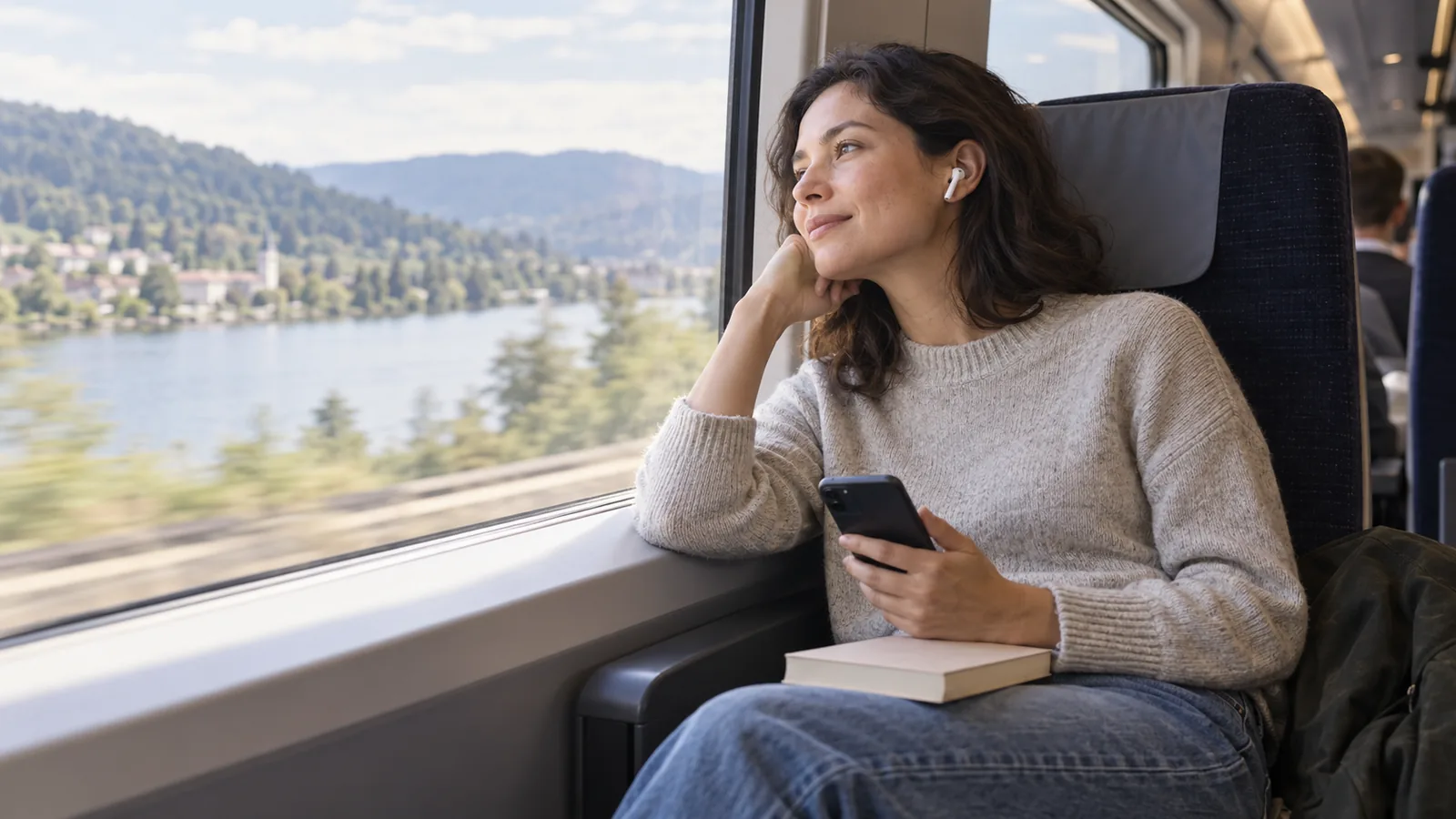
| Phone or tablet | The service's app, headphones optional | Every service in this guide |
| Car | CarPlay, Android Auto or Bluetooth | Audible, Apple Books and Google Play Books list CarPlay; Everand lists CarPlay and Android Auto |
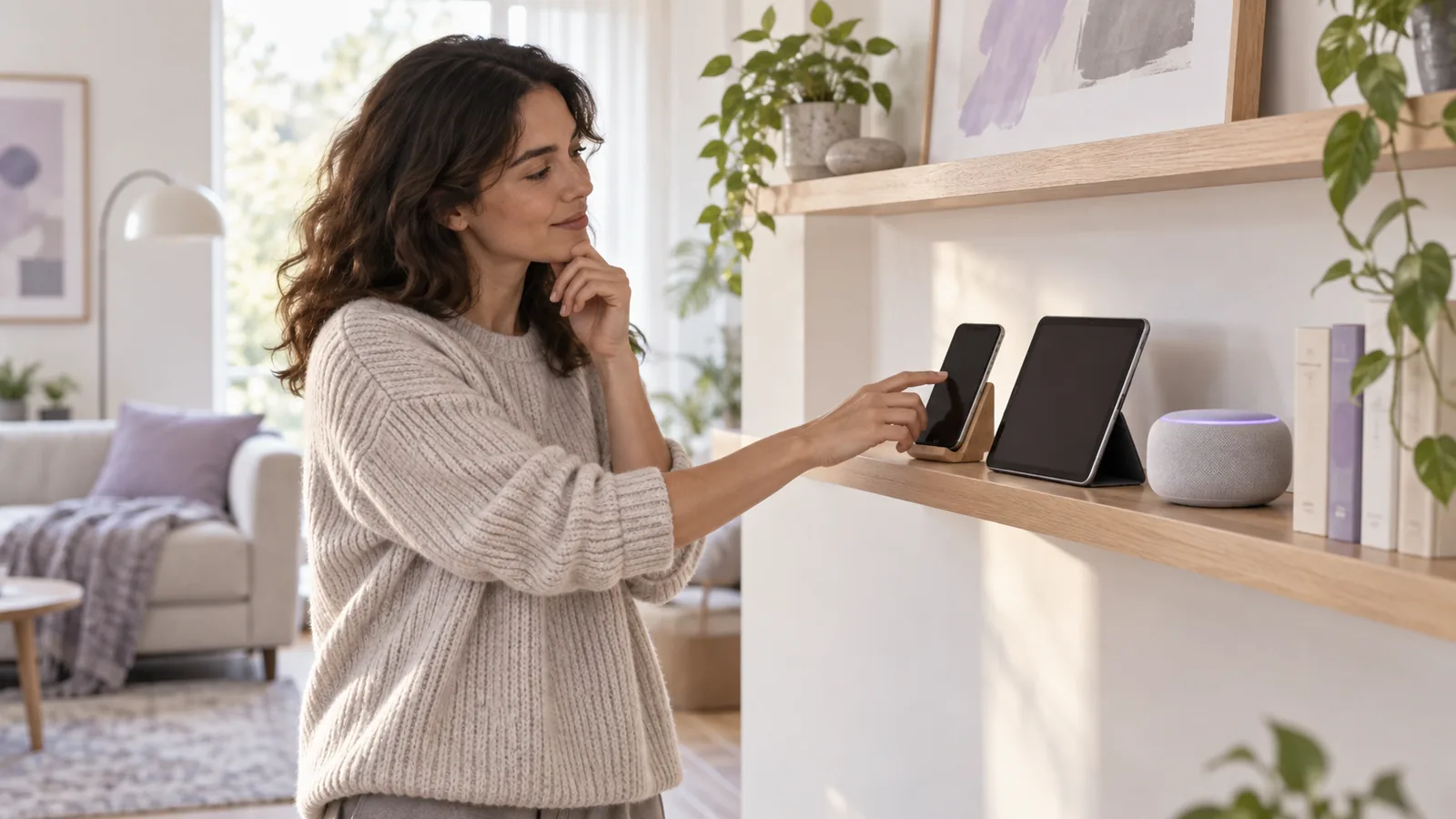
| Smart speaker | Voice commands | Alexa devices for Audible; Google speakers and displays for Google Play Books audiobooks |
| Computer | A web browser | Audible on the web, Libby at libbyapp.com, LibriVox |
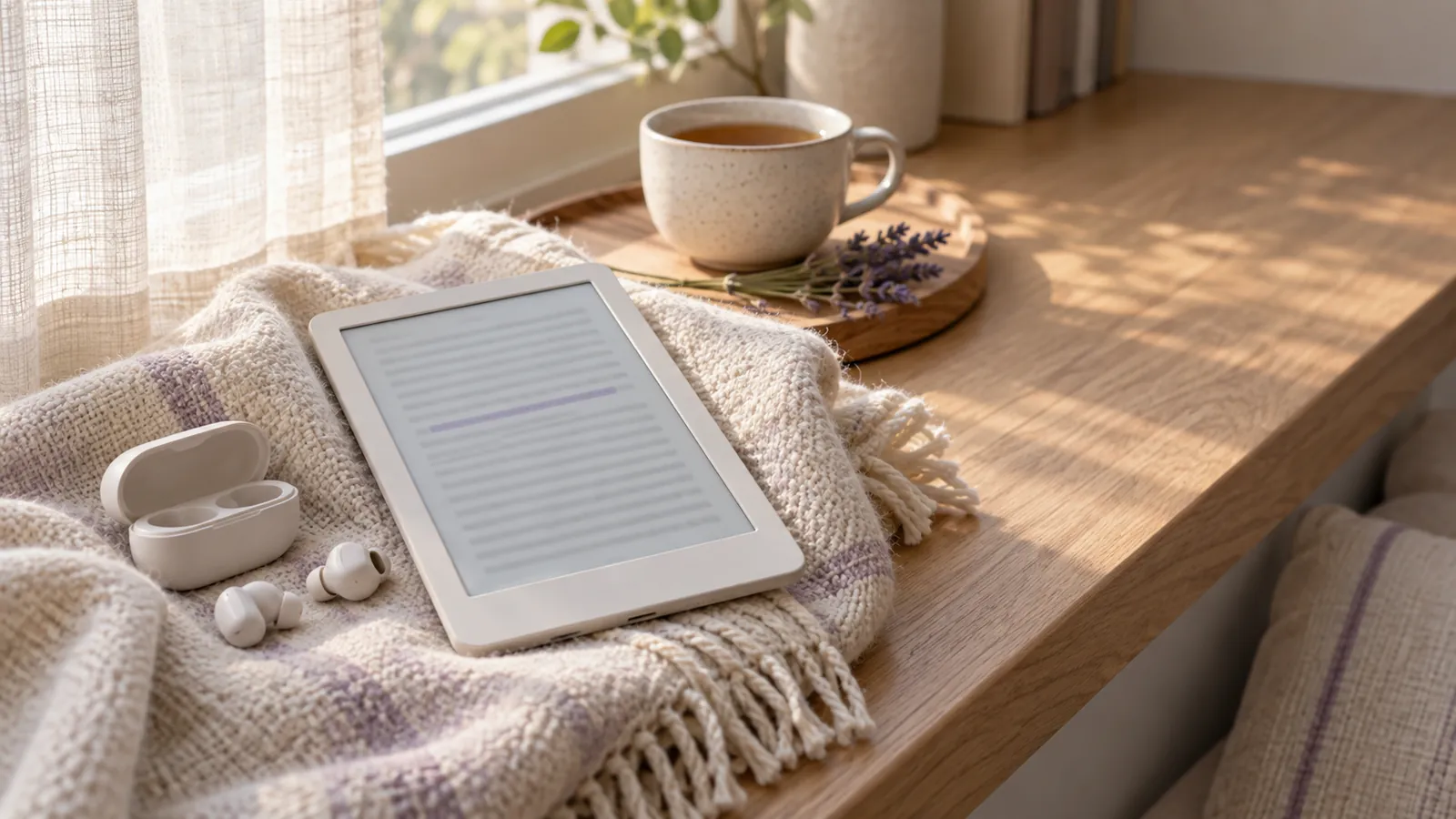
| E-reader | Bluetooth headphones or a speaker | Kindle e-readers for Audible, Kobo eReaders for Kobo audiobooks |
| Smartwatch | The app on the watch | Audible on Apple Watch and Wear OS, Apple Books on Apple Watch |
A few details worth knowing:
- In the car, download the book before you leave. If your car has no CarPlay or Android Auto, plain Bluetooth audio from your phone works with any app.
- On a Google speaker, buy the audiobook on Google Play Books, then say "Hey Google, read my book." Google notes that this doesn't work on Bose or Sonos speakers that have Google Assistant built in.
- On a Kindle e-reader, there's no built-in speaker, so pair Bluetooth headphones first. If you want a Kindle to read an ebook aloud rather than play an audiobook, our guide to Kindle text to speech covers Assistive Reader and VoiceView step by step.
Paste a passage from your notes or an article into our text to speech studio and pick a voice and speed. Voice samples are free to play; sign in to generate with credits and download the audio.
Tips for listening to audiobooks (and finishing them)
Listening to audiobooks is a skill, and the first one can feel harder than reading. These habits help:
- Sample the narrator. A narrator you don't enjoy will sink a good book. Apple Books and Google Play Books both offer free samples; use them.
- Start with a story you can follow easily. Plot-driven fiction, memoirs and books you've already read are easier than dense theory. Save the 40-hour epic for later.
- Raise the speed gradually. Start at 1x, then nudge up in small steps. If you keep rewinding, you've gone too fast.
- Use the sleep timer. Audible, Libby and Google Play Books all have one, so you won't wake up three chapters further on.
- Bookmark what you want to find again. Audible and Google Play Books let you mark moments in the book, which beats trying to remember a timestamp.
- Attach listening to a routine. Commutes, walks, chores and workouts are natural slots. A fixed slot does more than a vague plan to "listen more."
- Skip back when your mind wanders. Every player has a skip-back button; one tap is cheaper than losing the thread.
- Read and listen together for tricky books. Audible's Read & Listen syncs a Kindle ebook with its audiobook when you own both and the title supports it, which helps with language learning and complex nonfiction.
- Watch your plan's limits. Audible Standard's monthly pick doesn't roll over, Spotify hours expire each month, and Everand unlocks roll over for up to six months. Spend them before they lapse.
So what's the best way to listen to audiobooks?
Match the method to how much you listen:
| If you... | Try |
|---|---|
| Listen to about one book a month and want to keep it | Audible Premium or a Libro.fm membership |
| Already pay for Spotify Premium and listen under 15 hours a month | Spotify's included hours |
| Want free and can wait | Libby with your library card |
| Want free with no waiting list | hoopla, if your library offers it |
| Love classics | LibriVox |
| Listen now and then | Single purchases on Apple Books or Google Play Books |
| Are blind or have a print disability in the US | NLS talking books, free by mail or through BARD |
Combining two often works best: a library app for free loans and one paid service for the books you can't borrow.
Turn your own text into audio
Sometimes the book you want to hear has no audiobook at all: your own manuscript, a report from work, class notes, or a public-domain text you saved as a file. If you have the right to use the text and it isn't locked by DRM, text to speech can read it to you. Phones have basic read-aloud built in, and dedicated tools give you more natural voices and control over speed. If you're curious how these voices are made, our explainer on what TTS is covers it.
For longer projects, our AI audiobook generator lets you split a book into chapters, mark dialogue as "Character: line", choose a narrator for each chapter and give each main character a voice. The draft is saved in your browser, and you can export the whole manuscript. Once you sign in, you can generate a chapter of up to 20,000 characters at a time with credits, joined into one file you can download. For shorter pieces, the text to speech studio is the quicker route.
Organize chapters, cast a narrator and character voices, and save your draft. Sign in to generate each chapter as one downloadable file with credits.