You want your voice on every video, lesson and podcast intro, without re-recording each time a line changes. That's the problem voice cloning solves. Modern AI models can learn the sound of your voice from a 10 to 30 second clip, then read any script you give them. This voice cloning tutorial covers how it works, how to clone your voice with AI in three steps, how to record a clip that clones well, how to fix common problems, and the consent rules that come with it.
What voice cloning is and how zero-shot cloning works
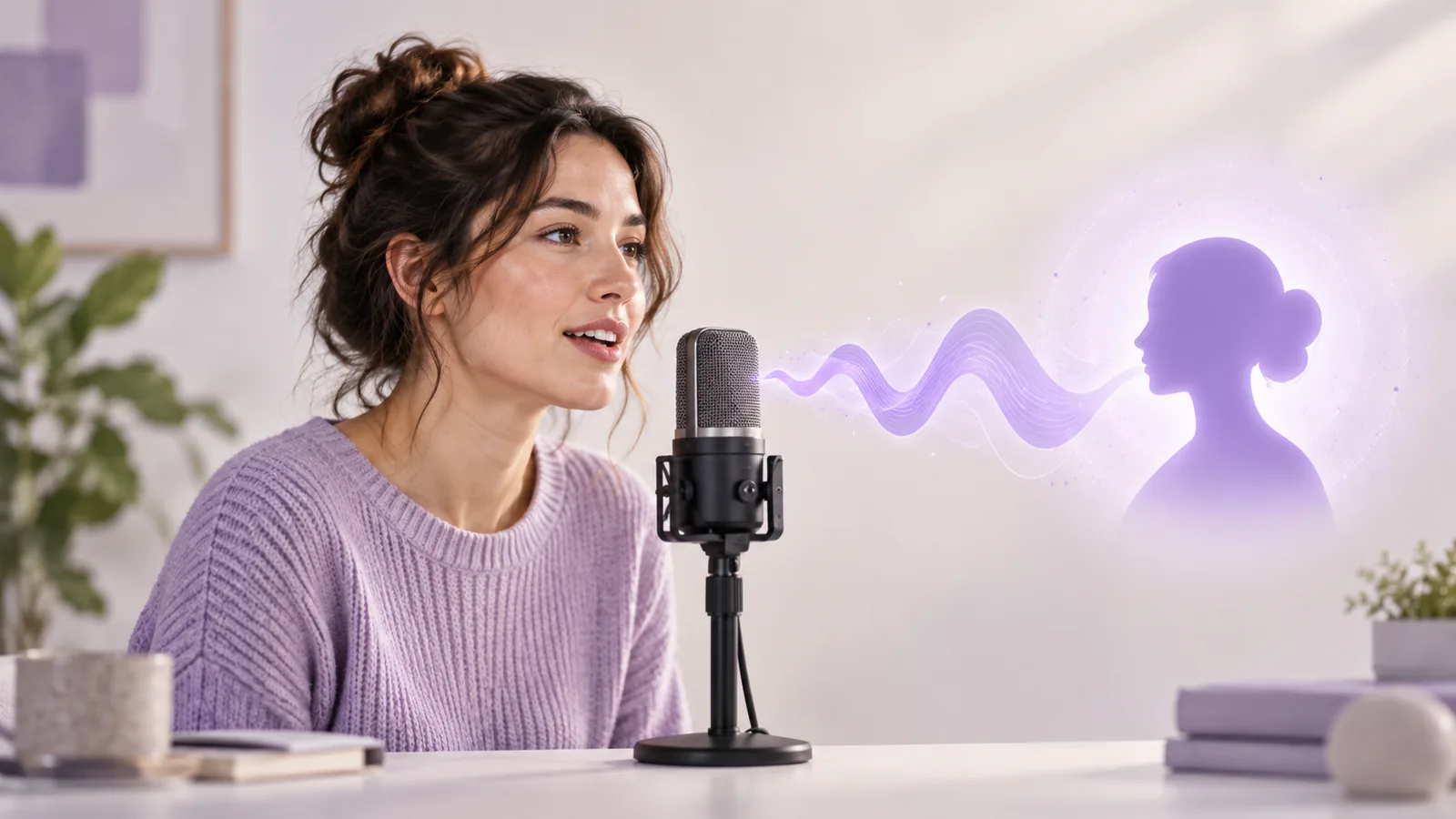
Voice cloning creates a synthetic voice that sounds like a specific person, based on a recording of that person. Once it's set up, you type text and hear it in that voice.
Older systems needed hours of studio audio and a training run for each speaker. Most tools today use zero-shot cloning instead. The model has already heard an enormous range of voices, so it knows what makes one voice different from another. Give it a short reference clip and it doesn't retrain; it measures your voice and gets to work. There are three stages:
- Listen. The model builds a compact profile of your voice: timbre, pitch range, pace and speaking habits.
- Read. Your script becomes pronunciation and prosody: how each word sounds, where pauses fall, what gets stressed.
- Speak. The model combines the two into new audio of you saying words you never recorded.
The barrier to entry is tiny: a phone recording is enough. The catch is that the model only knows what's in those few seconds. Hum, echo or a flat delivery in the clip all carry into the clone, which is why the recording section below matters more than any setting.
Voice cloning vs. text to speech
Text to speech (TTS) reads your text with a stock voice. Voice cloning first recreates a voice you supply, then reads with it. If any good voice will do, the preset voices in our AI voice generator are quicker. Clone when the content should sound like you.
What you need before you start
- A quiet room. Turn off fans, AC and the TV, and silence your phone. A small room with curtains or a closet full of clothes beats a big, bare one.
- A microphone. Your phone's built-in mic is fine. A quiet room matters far more than gear.
- 10 to 30 seconds of clean speech. One speaker, no music, no obvious echo. Record in the browser or upload a file you already have.
- Your script. Have the text ready, split into paragraphs if it's long.
- Consent. Your own voice is the easy case. For anyone else, whether a colleague, a relative or a voice actor you work with, get written permission first.
How to clone your voice in 3 steps
If you've been wondering how to clone a voice without installing anything, here's the process in our voice cloning tool. It all runs in the browser on desktop or mobile. Generating needs an account and uses credits.
Step 1: Upload or record a reference clip
At the top of the workspace, pick one option:
- Upload audio to click or drop in a file you already have: MP3, WAV, M4A, OGG, WebM or FLAC, 3 to 60 seconds, up to 10 MB. If it won't load, convert it to MP3 or WAV and try again.
- Record to capture a clip on the spot, up to 30 seconds. Your browser will ask for microphone access; allow it, speak, then press Stop. If you blocked the mic earlier, turn it back on in your browser's site settings.
Then play the whole clip back and listen for background noise, cut-off words and other voices. If anything sounds off, remove it and record again. A minute here saves a lot of rework later. When you generate, the clip is uploaded privately and used only to create that cloned speech.
Step 2: Type your test text and confirm consent
Type the words you want the cloned voice to read into the Test text box, up to 500 characters, or click Another sentence to fill in an example. Then tick the consent box to confirm the voice is yours or that you have permission to use it.
Use test text that resembles your real script. Punctuation controls pacing, so split a sentence where you want a real breath. Numbers, acronyms and unusual names are best written out the way you want them said (more on that below).
Step 3: Generate and listen to your cloned voice
Click Generate cloned voice; the button shows how many credits the run will use. When it's done you can play and download the result, and it stays in your generation history. If a generation fails, the credits are refunded automatically. Save draft exports the test text and the clip's file name as a JSON file.
Play the result through and listen for three things: does it sound like you, is everything pronounced correctly, and is the tone right? If not, use the fixes below and try again.
Upload or record 10 to 30 seconds of clean speech in your browser and check how it sounds before you generate.
How to record a reference clip that clones well
A zero-shot model learns only from your clip, so the recording sets the ceiling for the clone. These habits make the biggest difference.
Keep the mic 15 to 20 cm away
That's 6 to 8 inches, roughly the span of an open hand. Closer and you'll get pops on P and B sounds; farther and the room creeps in. Rest a phone on a desk or stand, angled slightly to the side of your mouth so your breath doesn't hit it, and stay still while you record.
Pick a small, soft, quiet room
Echo is the number one enemy. Bathrooms, stairwells and bare living rooms add reverb that makes the clone sound distant and hollow. Choose a room with curtains, rugs or soft furniture; facing an open closet works surprisingly well. Before your real take, record five seconds of silence and listen for AC hum, a fridge or traffic.
Read full sentences in your normal voice
Skip word lists. A few natural sentences give the model far more to work with. This passage takes about 20 seconds at a relaxed pace:
Hi, I want to tell you about a small habit I've picked up lately. Every morning at seven, I make a cup of tea and spend twenty minutes writing down what I need to get done. Honestly, it was hard to stick with at first. But slowly it's become the quietest part of my day. What about you? Do you have a habit like that?
It mixes statements, a number and questions, so the model hears your voice across different intonations. Read it the way you want the clone to sound: calm for tutorials, warmer and more upbeat for promos. Skip the radio voice; your normal pace clones best.
Avoid music, reverb and heavy processing
- No background music, and no clips lifted from videos with a soundtrack.
- No reverb, voice changers or "enhance" effects.
- Go easy on noise reduction. Aggressive denoising can make the clone sound muffled or metallic.
- Keep levels moderate so your loudest moment doesn't clip.
Keep it to one speaker
The clip should contain your voice and nothing else. If you're pulling from an interview, podcast or meeting, cut out other people, laughter and crosstalk, keep one continuous stretch of you talking, and trim long silences at either end.
Common voice cloning problems and how to fix them
It sounds robotic or metallic
The reference is usually to blame: background noise, heavy denoising, a clip that's too short, or audio squeezed by a messaging app. Re-record somewhere quiet without strong noise reduction, aim for 15 to 30 seconds, and upload the original file rather than a forwarded copy.
The accent drifts
This shows up most in cross-language output. English generated from a Chinese clip may carry a slight accent or sound almost, but not quite, like you. If the target language matters, record a reference in that language. If it drifts within one language, the clip is usually too short or too uneven, so try a steadier take.
The emotion is wrong
The clone follows the mood of the reference: a flat clip gives flat output, an excited clip gives excited output. Record the reference in the tone you want. Short sentences and questions add energy; long formal sentences sound more even.
Words are mispronounced
Names, numbers, acronyms and words with two pronunciations (think "read" or "lead") cause most errors:
- Write numbers the way they should be spoken, such as "twenty twenty-six" or "one and a half times" instead of "1.5x".
- Rephrase ambiguous words so the context is obvious, or swap in a synonym.
- Write acronyms the way you want them heard, or spell out the full phrase.
- Test tricky names in a one-line generation before using them in a long script.
| Problem | Likely cause | Fix |
|---|---|---|
| Robotic or metallic | Noise, heavy denoising, short clip | Re-record somewhere quiet, 15 to 30 seconds |
| Accent drift | Cross-language output, short clip | Record the reference in the target language |
| Wrong emotion | Reference tone doesn't match the goal | Re-record in the tone you want |
| Mispronounced words | Numbers, acronyms, ambiguous words | Write them out the way they should sound |
| Long scripts don't match | Switching reference clips midway | Use one reference for every part |
Cloning vs. preset voices: which should you use?
You don't always need a clone. Often a good preset voice gets you there faster.
| Voice cloning | Preset voices | |
|---|---|---|
| Where the voice comes from | You, or someone who gave permission | A ready-made voice library |
| Setup | Record a 10 to 30 second clip | None, just pick one |
| Best for | Personal channels, courses, translated versions | Narration, ads, character voices |
| Consent | Needs the speaker's permission | Covered by the platform's terms |
| What listeners hear | You | A consistent, neutral voice |
Clone when your audience already knows your voice, when you want every episode of a course or series to sound the same, or when you want to localize content and still sound like yourself.
Use a preset when you'd rather not use your own voice, need something very different from how you sound, are voicing several characters, or don't have a permitted recording. For documentary-style English narration, the deep, steady Adam voice is a common pick, and Matilda suits warm, professional explainers. Audition the rest in the AI voice generator.
The two also mix well: your cloned voice for the main narration, presets for ad reads or character dialogue.
Legal and ethical rules for voice cloning
Your voice identifies you as clearly as your face does. Used well, cloning saves hours of recording. Used badly, it can violate someone's rights or help a scam. Keep these rules in mind.
Only clone voices you have the right to use. Your own voice is fine. For anyone else, get written permission first, ideally stating the purpose, scope and duration, and agree that they can withdraw it. Family and friends are no exception.
Never impersonate or mislead. Don't use a cloned voice to pose as someone on a call, in a voice message or in a public statement, and don't imitate celebrities or other public figures without permission, even as a joke. That breaks our terms and may break the law.
Label AI-generated audio. Rules differ by country, but they point the same way. In China, the deep synthesis regulations require consent before a person's voice is edited or synthesized and clear labels on synthetic content that could confuse the public, and the AI content labeling rules extend that to audio. The EU AI Act includes transparency duties for synthetic audio, and several US states treat a person's voice as part of their protected likeness. Many platforms also ask creators to disclose AI voices, so say so in the description or on screen.
Look after your recordings. Reference clips and generated audio are tied to your identity. Don't post them in public groups or leave them in shared folders.
This section is general information, not legal advice. Laws and platform rules change, so for commercial projects or anything involving another person's voice, check the current rules and talk to a qualified lawyer if you're unsure.
Upload or record a reference clip, then sign in to hear your voice read your script at 1 credit per 20 characters.