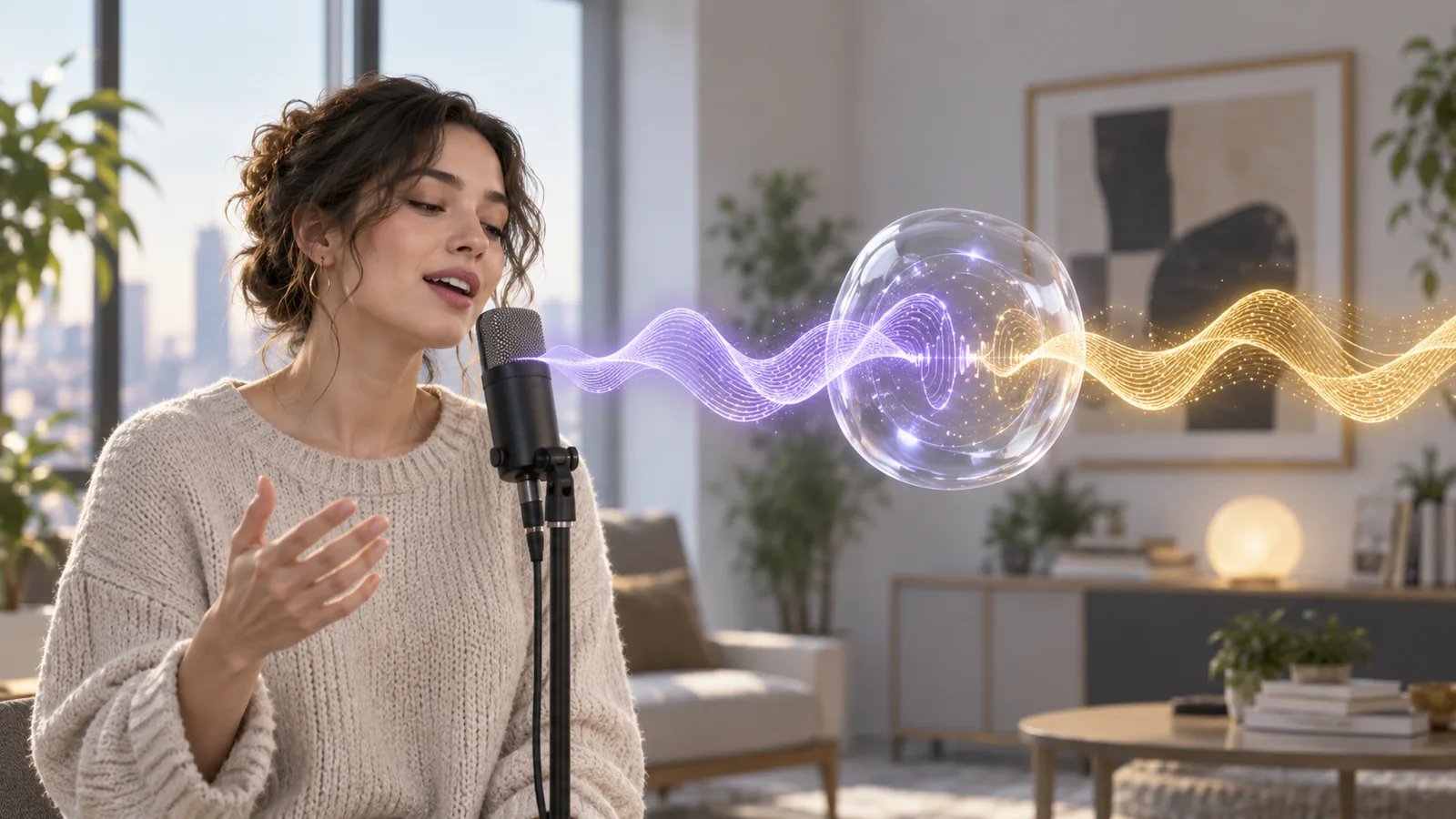
Retrieval-based voice conversion (RVC) takes a recording of someone speaking or singing and re-voices it in a different timbre, while keeping the words, the timing and the melody. It's the open-source technology behind many AI covers and real-time voice changers, and you can train an RVC model on your own voice with around ten minutes of clean audio and a reasonable graphics card. This tutorial covers how RVC works, when it beats text to speech and zero-shot cloning, setup, training, inference settings and the legal lines.
What is RVC? Retrieval-based voice conversion explained
RVC is a speech-to-speech system. It doesn't read text. You feed it a performance (your voice saying a line or singing a verse) and a trained voice model, and it outputs the same performance in the model's voice. Under the hood, a conversion runs in four stages:
- Content. A self-supervised speech model (the project credits HuBERT and ContentVec) turns the input into features that describe what is being said, largely independent of who is saying it.
- Pitch. A pitch extractor tracks the melody of the input voice. The current WebUI defaults to RMVPE, which the README describes as giving the best results while using fewer resources than Crepe.
- Retrieval. This is the "R" in RVC. During training, features from your dataset are stored in an index file. At conversion time, RVC looks up the closest matches in that index and swaps them in, which reduces tone leakage, where the original speaker's timbre bleeds into the result.
- Synthesis. A generator built on VITS and HiFi-GAN, both credited by the project, renders the final audio in the target voice.
Because the input is a real performance, RVC keeps everything about delivery: pauses, emphasis, emotion, vibrato, even mistakes. That's its strength for singing and acting, and also its main limitation.
RVC vs. text to speech vs. zero-shot voice cloning
These three get lumped together as "AI voice", but they solve different problems.
| Text to speech | Zero-shot voice cloning | RVC voice conversion | |
|---|---|---|---|
| Input | Text | Text plus a short reference clip | A recorded or live performance |
| Training | None | None | Yes, on 10+ minutes of the target voice |
| Hardware | Browser | Browser | A GPU is strongly recommended |
| Keeps your exact delivery | No | No | Yes |
| Best for | Narration with stock voices | Reading new scripts in your voice | Singing, acting, real-time voice changing |
When you don't need to train anything
If your goal is voiceovers, lessons or social videos in your own voice, training an RVC model is the long way round. Zero-shot cloning learns your timbre from a 10 to 30 second clip and reads any text you type. Our AI voice cloning tool is built on the same approach, and the voice cloning tutorial shows how to record a reference clip that clones well. If any good voice will do, text to speech with a preset is quicker still.
RVC earns its setup time when you need singing conversion, want to keep a specific performance exactly as delivered, want a live voice changer, or prefer to run everything locally.
RVC setup: the WebUI, hardware and install
The main open-source project is RVC-Project/Retrieval-based-Voice-Conversion-WebUI on GitHub. As of October 2026 it is MIT-licensed, not archived, has more than 38,000 stars, and its latest release (2.3.260718) was published in July 2026. Its base model was trained on nearly 50 hours of the open VCTK dataset. The README says an RVCv3 base model is coming; the current WebUI trains v1 and v2 models, with v2 as the default.
Hardware
The current branch targets Python 3.12 (x64), recommends Ubuntu 24.04 and also runs on Windows. Which dependencies you install depends on your GPU:
| Hardware | What the README says to install |
|---|---|
| NVIDIA RTX 50 series | CUDA 12.8 build of PyTorch, then the cu128 requirements file |
| Older NVIDIA GPUs | CUDA 11.8 build of PyTorch, then the cu118 requirements file |
| AMD or Intel | The CPU dependency set; Windows can use DirectML |
On memory, the project FAQ says cards with 4 GB of VRAM can work if you reduce the batch size, and recommends against going lower. Training on a CPU is possible but the WebUI itself warns it may take much longer.
Install in outline
- Create a Python 3.12 virtual environment and install the requirements file that matches your hardware.
- Download the required models (the HuBERT base, RMVPE and the v2 pretrained weights) from the project's Hugging Face repository into the
assetsfolder, plus FFmpeg. - Start it with
python webui.py(orgo-webui.baton Windows) and open the page on port 7865.
No GPU? Read the cloud terms
Plenty of people rent a cloud GPU instead. If you're considering Google Colab, its FAQ lists "creating deepfakes" as disallowed on all managed runtimes, and on the free tier it disallows bypassing the notebook UI to work mainly through a web UI. Whatever service you use, read its acceptable use policy before uploading a voice dataset.
Building a dataset from your own voice
The model can only reproduce what it has heard, so the dataset decides the ceiling.
- Length. The README recommends at least 10 minutes of low-noise speech; the FAQ suggests about 10 to 50 minutes. Clean and consistent beats long and messy.
- One voice, yours. Record only your own voice, or the voice of someone who has given written permission. No interviews with other speakers, no crowd noise, no backing music.
- Same setup every session. Same mic, same room, same distance. A small room with soft furnishings beats a large bare one; avoid bathrooms and stairwells.
- Cover your range. Read in your normal voice, then louder and softer. For a singing model, sing across your full comfortable range, because notes far outside the dataset tend to break.
- Clean gently. Cut coughs, clicks, long silences and other voices. Go easy on noise reduction; heavy denoising artifacts get learned too. If your source has music, the WebUI includes pymss/MSST tools to separate vocals and remove reverb, and our comparison of the best stem splitters covers other ways to pull a vocal out of a mix.
- Keep paths simple. Put the WAV files in one folder with a plain English path.
You don't need to chop the audio into tiny clips yourself; the WebUI slices and normalizes it during preprocessing.
How to train an RVC model step by step
Training happens in the WebUI's Train tab. The labels below are from the current English interface.
Step 1: Experiment settings
- Experiment name: a short ASCII name, for example
myvoice. - Target sample rate: 40k (default) or 48k.
- Pitch guidance: required for singing, optional for speech. Leave it on unless you only need speech.
- Version: v2 (default) or v1.
Step 2a: Process data
Enter your training folder path and click Process data. The WebUI scans, slices and normalizes the audio into training WAVs in the experiment folder.
Step 2b: Feature extraction
Pick the pitch extraction algorithm for training (pm or rmvpe; rmvpe is the one the README recommends for quality), then click Feature extraction. This extracts pitch and HuBERT features for every slice.
Step 3: Train the model and the index
- Total training epochs: the default is 20. The project FAQ says 20 to 30 epochs are enough for noisy, low-quality data (more won't fix bad audio), while clean, longer datasets can go to around 200.
- Save frequency: how often a checkpoint is written (default every 5 epochs).
- Batch size per GPU: lower it if you run out of VRAM.
- Cache training set to GPU memory: only worth it for datasets under about 10 minutes.
- Save a small final model at each save point: turn this on if you want to compare checkpoints by ear.
Click Train model, then Train feature index. (One-click training runs every stage in sequence.) More epochs aren't automatically better: listen to a few saved checkpoints on the same test clip and keep the one that sounds most natural.
When it finishes, your voice model is a small .pth file in assets/weights and the index is an .index file in assets/indices.
Using RVC as a voice changer: inference settings
To convert audio, open Model Inference, choose your voice from the list (the matching index fills in automatically) and upload a clean, dry vocal. These are the settings that change the result most:
| Setting | What it does | Starting point |
|---|---|---|
| Transpose | Shifts pitch in semitones; 12 is one octave up, -12 one octave down | 0 when the input and model share a range; try about +12 or -12 across a large range gap, then adjust by ear |
| Pitch extraction algorithm | pm, rmvpe or fcpe | rmvpe (the default) |
| Search feature ratio (index rate) | How strongly the index pulls the result toward your dataset's timbre and accent; too high causes artifacts | 0.75 (default); lower it if you hear artifacts |
| Protect | Protects voiceless consonants and breaths from tearing; 0.5 turns it off, lower values protect more | 0.33 (default) |
| Volume envelope mix | Near 0 follows the input's loudness; near 1 is more consistently loud | 0.25 (default) |
| Resample | Post-processing sample rate; 0 means no resampling | 0 |
Clean input helps more than any slider: separate vocals from music, avoid reverb, and keep the input roughly in the model's range instead of relying on huge transpose values.
Recording with an AI voice model in real time
For live use, the project ships a separate real-time GUI (go-realtime_gui.bat). The README reports about 170 ms end-to-end latency, and about 90 ms with ASIO devices, though that depends heavily on drivers. It's fine for monitoring and streaming experiments; for finished audio, recording first and converting offline gives you more control.
Matching a backing track
If you convert a vocal for a cover and transpose it by something other than a full octave, the instrumental has to move by the same number of semitones. Our free pitch changer shifts a track up or down in your browser without changing its tempo, and the key finder tells you what key the song is in before and after.
Move audio up or down by up to 12 semitones without changing speed. It runs in your browser and your file is never uploaded.
RVC limitations and common problems
RVC changes timbre and little else. The output inherits the input's timing, accent, pronunciation and emotion, because those come from the performance, not the model, so a flat read stays flat. A model trained on speech often struggles with singing, and the reverse. Setup also takes effort: Python, GPU drivers and model downloads all have to line up.
| Problem | Likely cause | Fix |
|---|---|---|
| Sounds like the original singer | Tone leakage | Raise the index rate a little, check the right index is loaded |
| Metallic or tearing breaths and S sounds | Too little protection, noisy input | Lower protect, clean the input |
| Cracks on high or low notes | Notes outside the dataset's range | Add range to the dataset, adjust transpose |
| Muffled or robotic tone | Noisy or over-denoised dataset | Re-record cleaner audio and retrain |
| More epochs, worse sound | Overtraining on limited data | Go back to an earlier checkpoint |
| Out-of-memory errors | Batch size too large for your VRAM | Lower the batch size |
Consent and the law: whose voice you can train
A voice model is a reusable copy of someone's voice. Treat it that way.
Train only on your own voice, or with written permission. If someone else agrees, write down the purpose, the scope, how long you may use the model and how they can withdraw. Never train on celebrities, singers, streamers, voice actors or private individuals without that permission, including "just for fun" AI covers.
The software won't protect you. The WebUI's own notice says it is open source under the MIT license, the authors have no control over how it's used, and people who use it and distribute the audio it exports are solely responsible.
Laws are catching up. Tennessee's ELVIS Act, signed in March 2024 and in force since July 1, 2024, adds a person's voice, including a simulation of it, to the state's right of publicity, and can also reach anyone who distributes a tool whose primary purpose is producing an identifiable person's voice without authorization. China's deep synthesis provisions, in force since January 2023, require separate consent before a person's voice is edited and clear labels on synthetic voices. In a 2024 case reported by People's Daily, the Beijing Internet Court found that licensing a recording does not mean licensing the right to turn the voice in it into an AI voice.
Label converted audio. Say that the audio uses AI voice conversion in the description or on screen; many platforms require it anyway.
This section is general information, not legal advice. Rules differ by country and change often, so check the current law and talk to a lawyer before any commercial use.
Record a 10 to 30 second clip in your browser and use zero-shot voice cloning instead. Sign in to generate at 1 credit per 20 characters.