Online Voice ChangerEight effects, nothing to install
Upload a recording or record up to 60 seconds, pick one of 8 effects (robot, deep, chipmunk, alien, monster, radio, echo or ghost) and download the changed voice as a WAV. This free online voice changer runs in your browser: no download, no sign-up, and your audio is never uploaded. Files up to 20 MB and 5 minutes work, and you can try every effect on the same clip.
- Free, no sign-up
- Upload or record
- Nothing uploaded
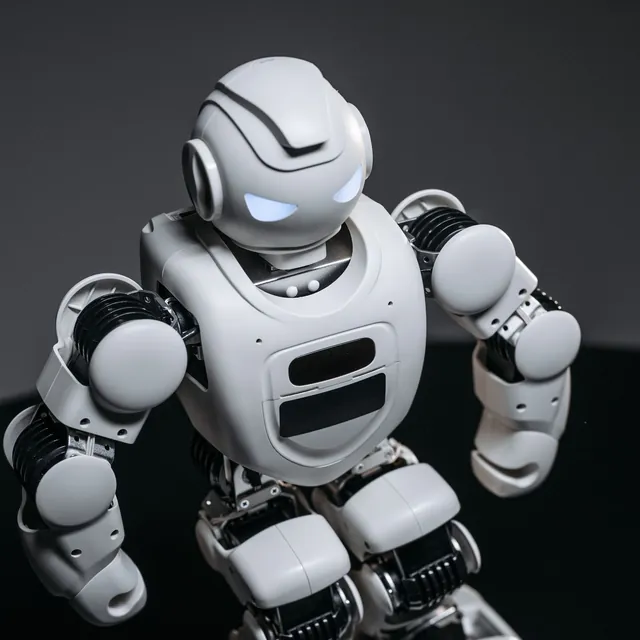
Robot Voice Changer
Turn your own recording into a clipped, metallic machine voice in a few seconds. Once a clip is loaded, the other seven effects are one click away.
Pick a voice effect
Each changer opens with its own effect selected. Load one recording and you can try it through all eight without recording again.
Characters and creatures4


Pitch effects2


Space and sound2

Change your voice in three steps
The voice changer works the same way on every page, on desktop and on phones.
- 01
Record or upload
Press record and speak for up to 60 seconds, or load an MP3, WAV, M4A or OGG file under 20 MB.
- 02
Choose an effect
Pick robot, deep, chipmunk, alien, monster, radio, echo or ghost. Your browser renders the new version in a moment.
- 03
Compare and download
Switch between the original and the changed clip, then save the result as a WAV file for your video, game or message.
Which voice effect fits your clip?
A quick way to choose before you record. All eight keep your timing, so the words still line up with your video.
| Effect | What it does to your voice | Good for |
|---|---|---|
| Robot | Adds a buzzing metallic ring and a short comb echo | Game mods, AI characters, jokes |
| Deep | Lowers pitch about four semitones and adds low-end weight | Narration, trailers, villains |
| Chipmunk | Raises pitch about seven semitones | Cartoons, birthday messages, memes |
| Alien | Shifts pitch up and adds a wobbling ring and chorus | Sci-fi videos, mystery clues |
| Monster | Drops pitch about seven semitones and adds grit | Horror scenes, tabletop games |
| Radio | Cuts the lows and highs, adds hiss and crackle | Mission briefings, phone calls in a story |
| Echo | Adds slow repeats and a long cave reverb | Dramatic intros, dream scenes |
| Ghost | Blends a whisper with a reverb that swells into each word | Halloween, ghost stories, escape rooms |
Voice changer questions
Short answers about how the browser voice changers work.
Not sure which effect to try?
Start with the robot. Once your clip is loaded you can flip through all eight effects without recording again.
Open the robot voice changerIs this online voice changer free?
Yes. The voice changers run in your browser with no account, no credits and no watermark, so you can record and download as many clips as you like.
Is my recording uploaded anywhere?
No. Recording, processing and the download all happen on your device. Close the tab and the audio is gone.
Can I change my voice live on Discord or in games?
Not with these tools. They work on a recorded or uploaded clip rather than a live microphone feed. For real-time voice changing in calls you need a desktop app; our Voicemod alternative page compares the options.
What files can I upload?
MP3, WAV, M4A and OGG files up to 20 MB and 5 minutes long. Recordings from the mic can run up to 60 seconds.
Can a voice changer read typed text for me?
A voice changer only transforms audio you provide. If you want a character voice to speak a script you type, try the AI voice generator or text to speech.
Hear yourself as someone else
Record one line, then play it back as a robot, a monster and a chipmunk in under a minute.
Try the robot voice changer